
Your whole day, on the big screen.
Everything LF-1 does on your phone, laid out for a laptop: your calendar, tasks and habits side by side, an assistant you can type or talk to from any page, a focus timer with music, and a shortcut for nearly everything. Sign in with the account you already have and it's all there, already in sync.
- ⌘K finds anything
- Type or talk, Arabic or English
- In sync with your phone
Made for laptops and desktops. On your phone, the app is the way in.
Built for a desk, not squeezed onto one.
The phone app is made for a minute here and there. The web app is made for the hours you spend at a keyboard, so it spreads out, answers to keys, and keeps what's running in the corner of your eye.
Today, Timeline, Tasks, Habits, Analytics, Focus, Music & sounds, the assistant and Settings.
Create, search, jump between pages and run the timer without reaching for the mouse.
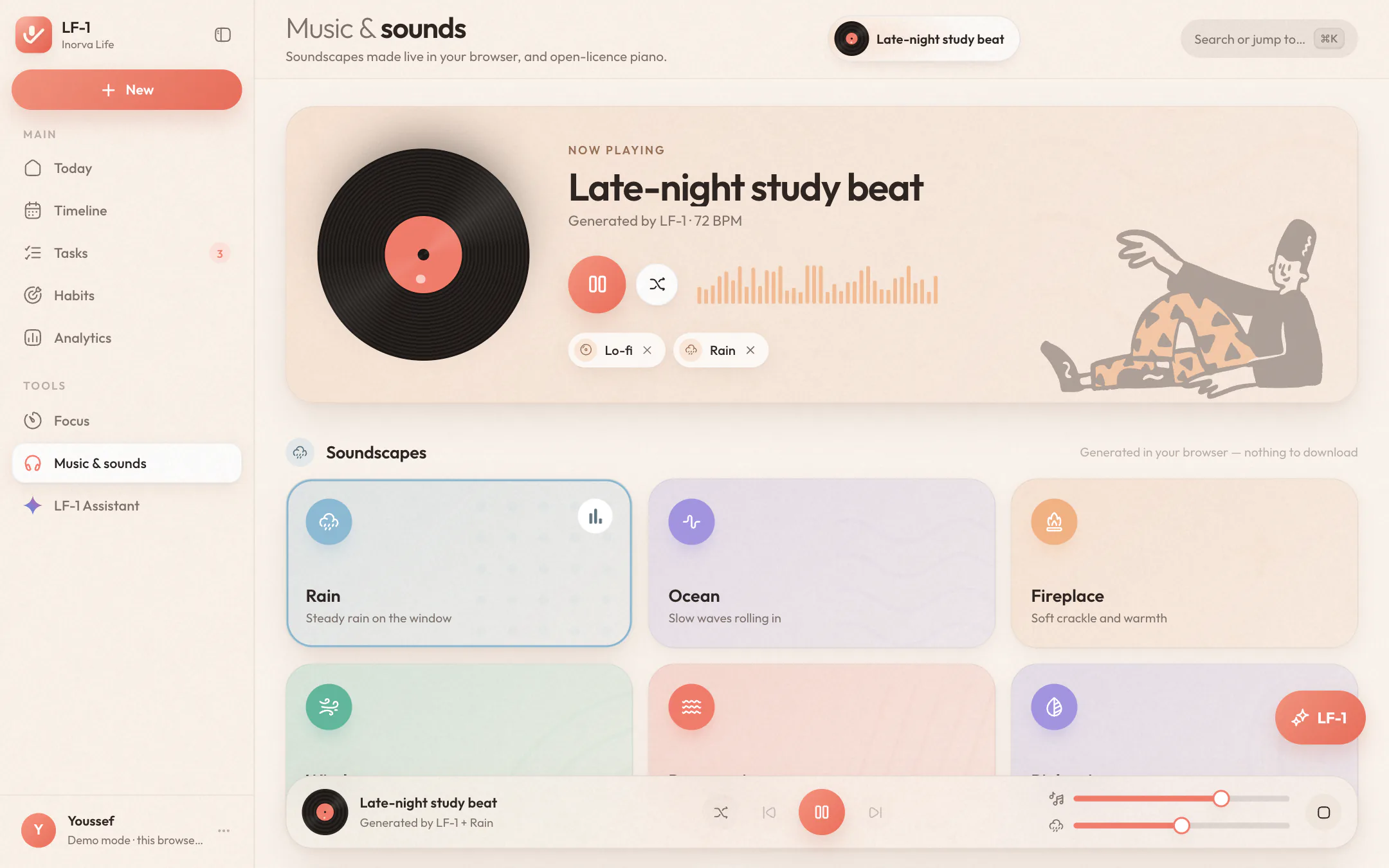
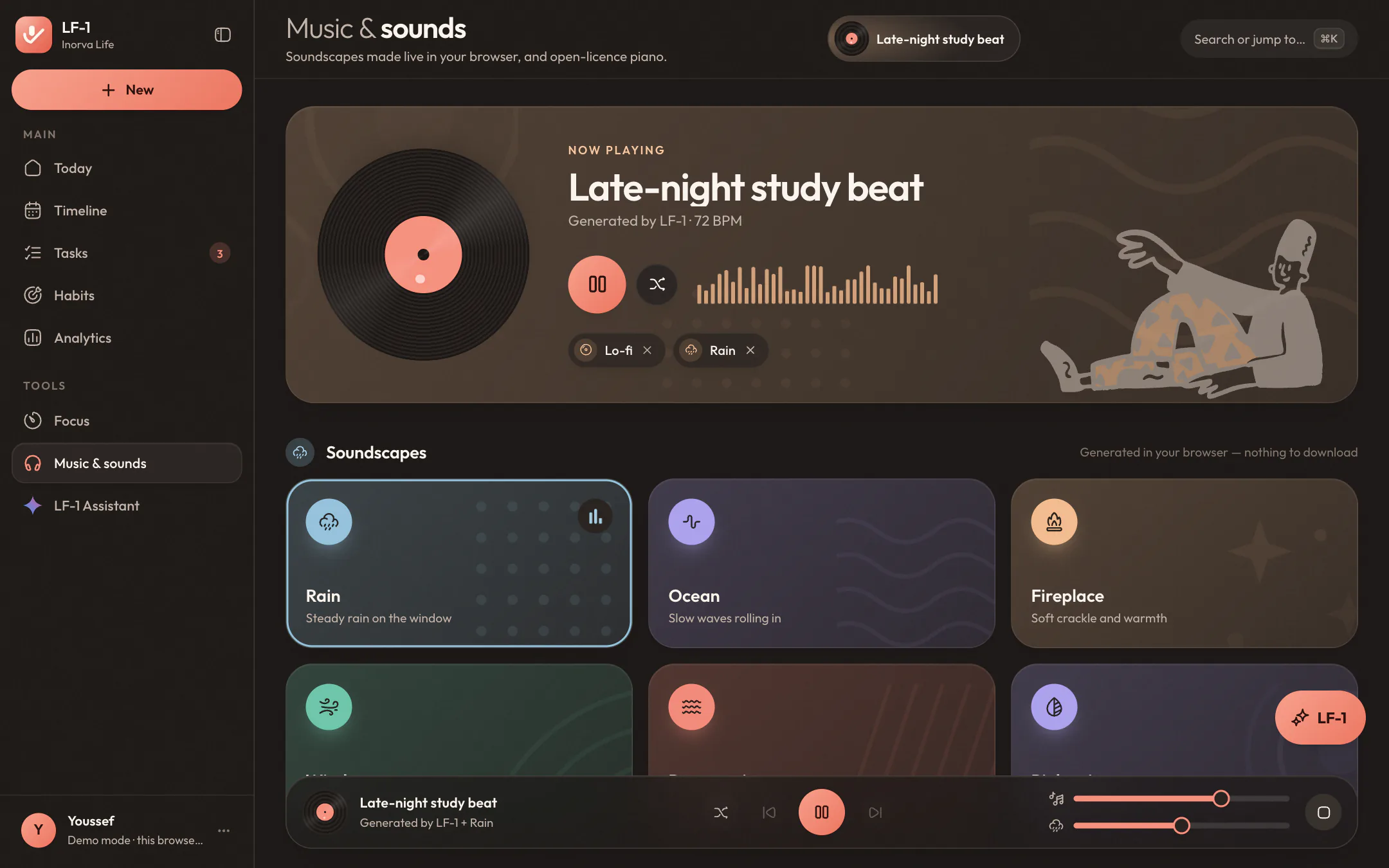
Rain, ocean, fireplace, wind and two kinds of noise, generated live as they play.
Arabic and English, in the interface and in the same sentence to the assistant.
Your day is not an ad slot. Not now, not in a later version.
Every page, the real thing.
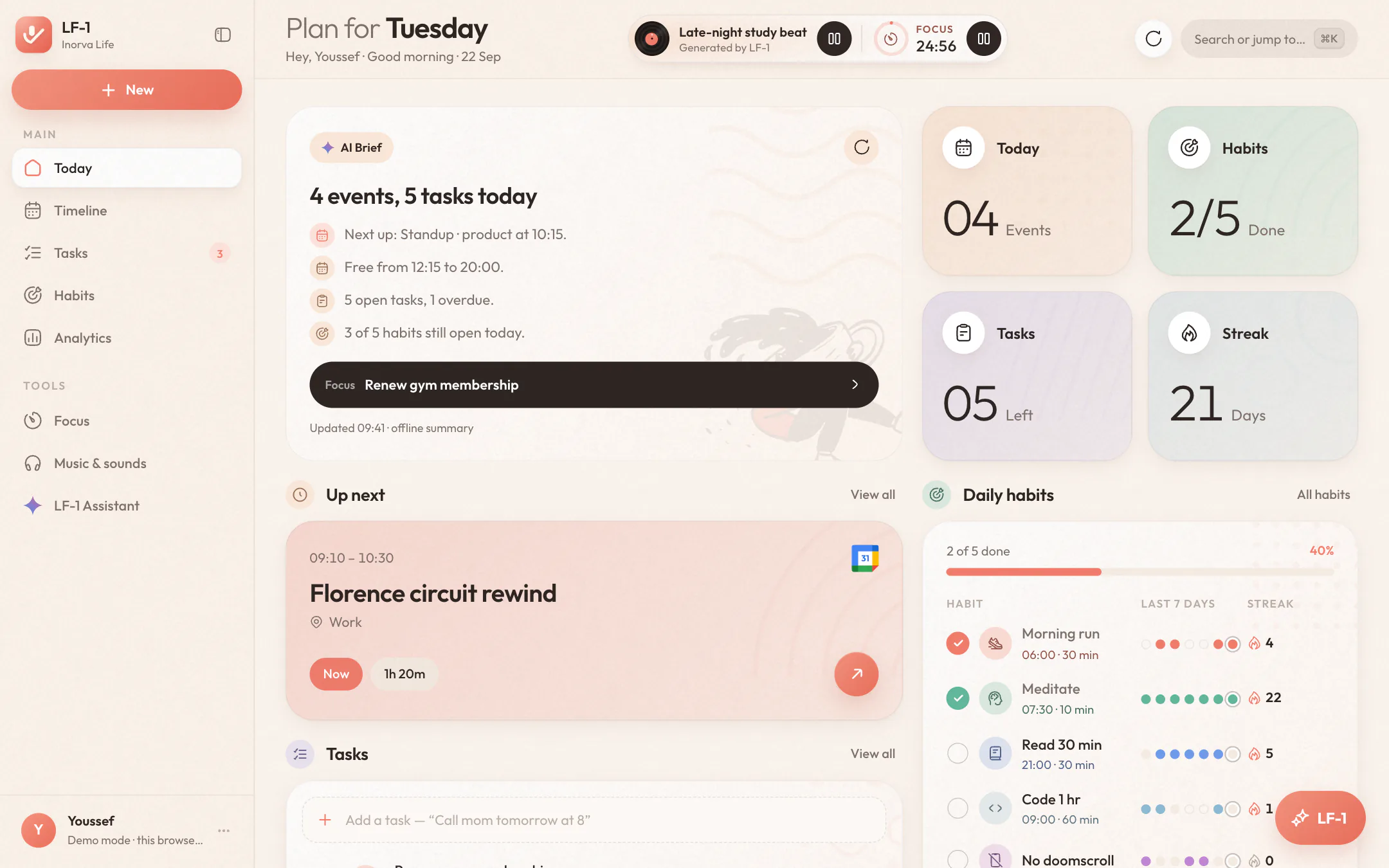
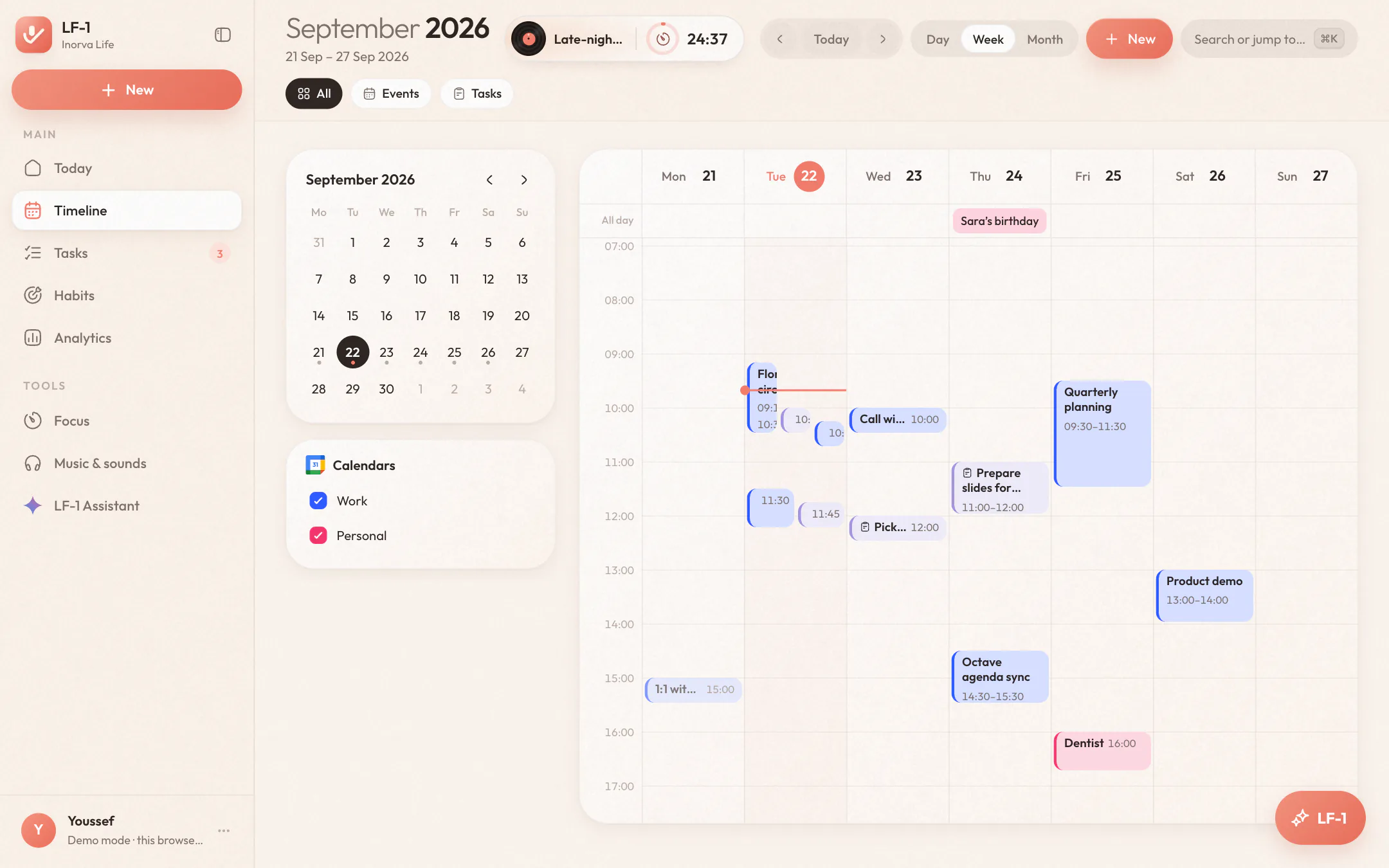
One sidebar, every part of your day. None of this is a mock-up: these are the web app's own screens, in whichever theme you're reading in. Keep scrolling and the window walks you through them.
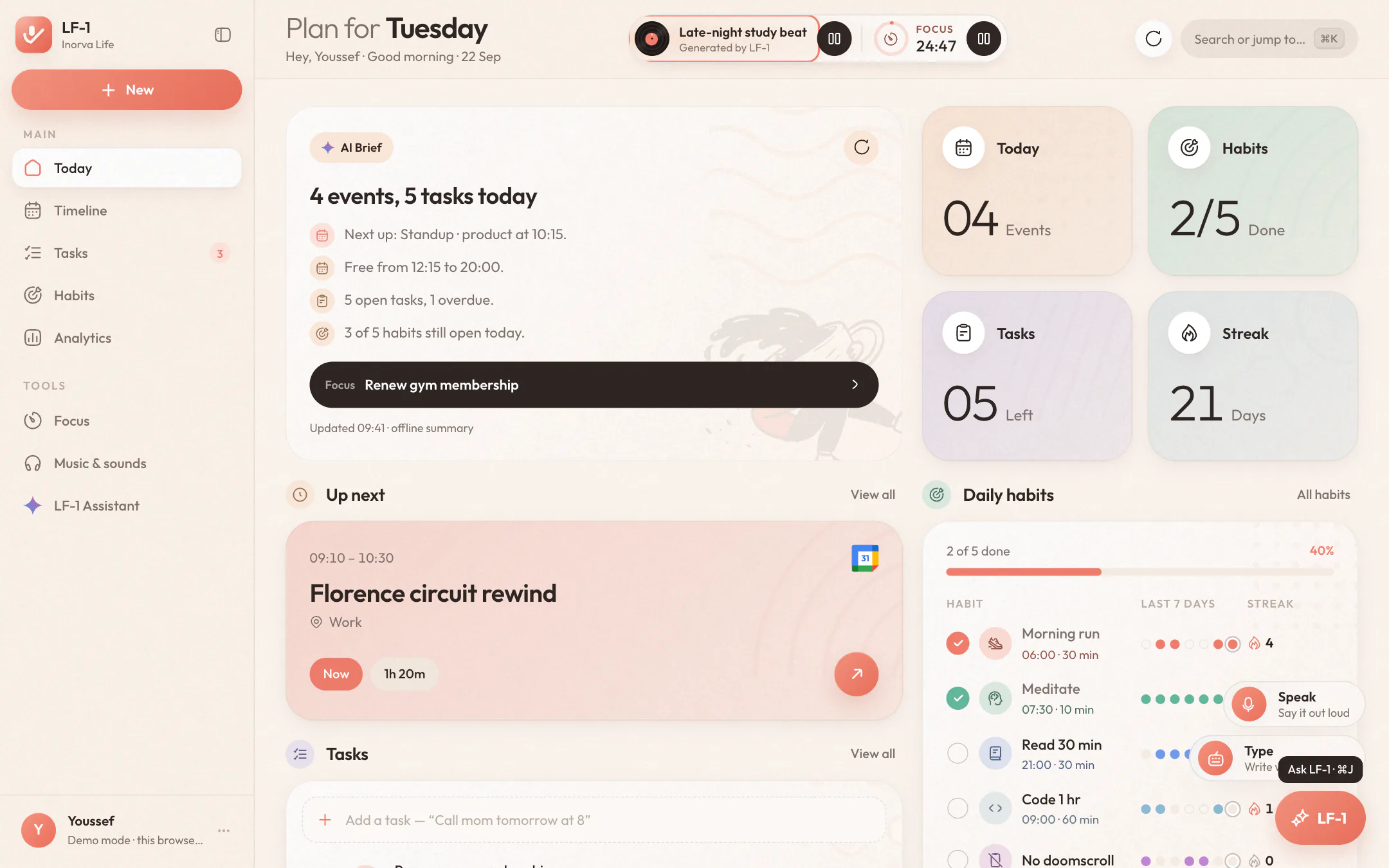
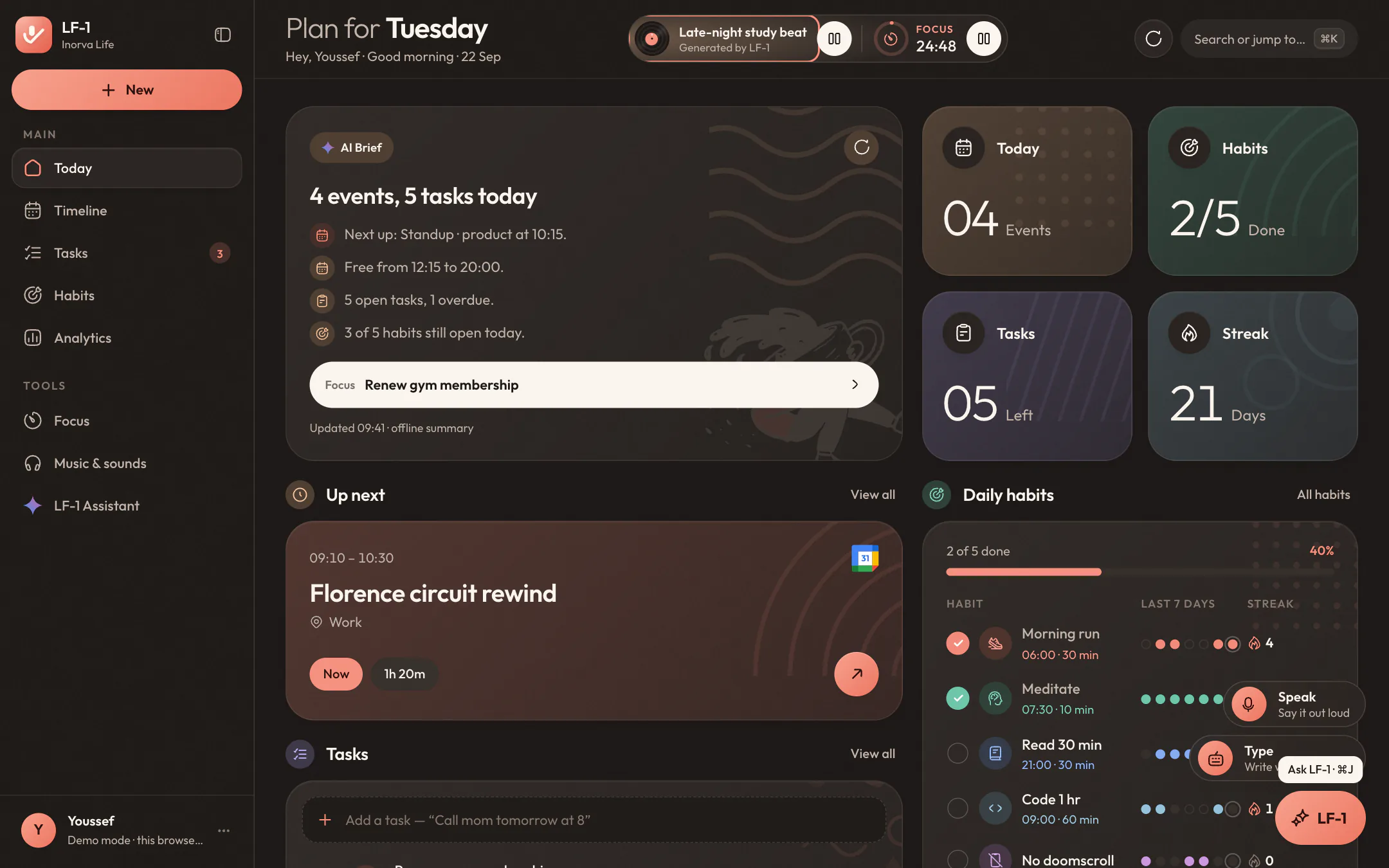
The AI brief reads your day for you: what's next, what's overdue, which streak is at risk, and a free stretch worth protecting. Under it sit today's numbers, the next event with its countdown, your tasks, and your habits with their last seven days.
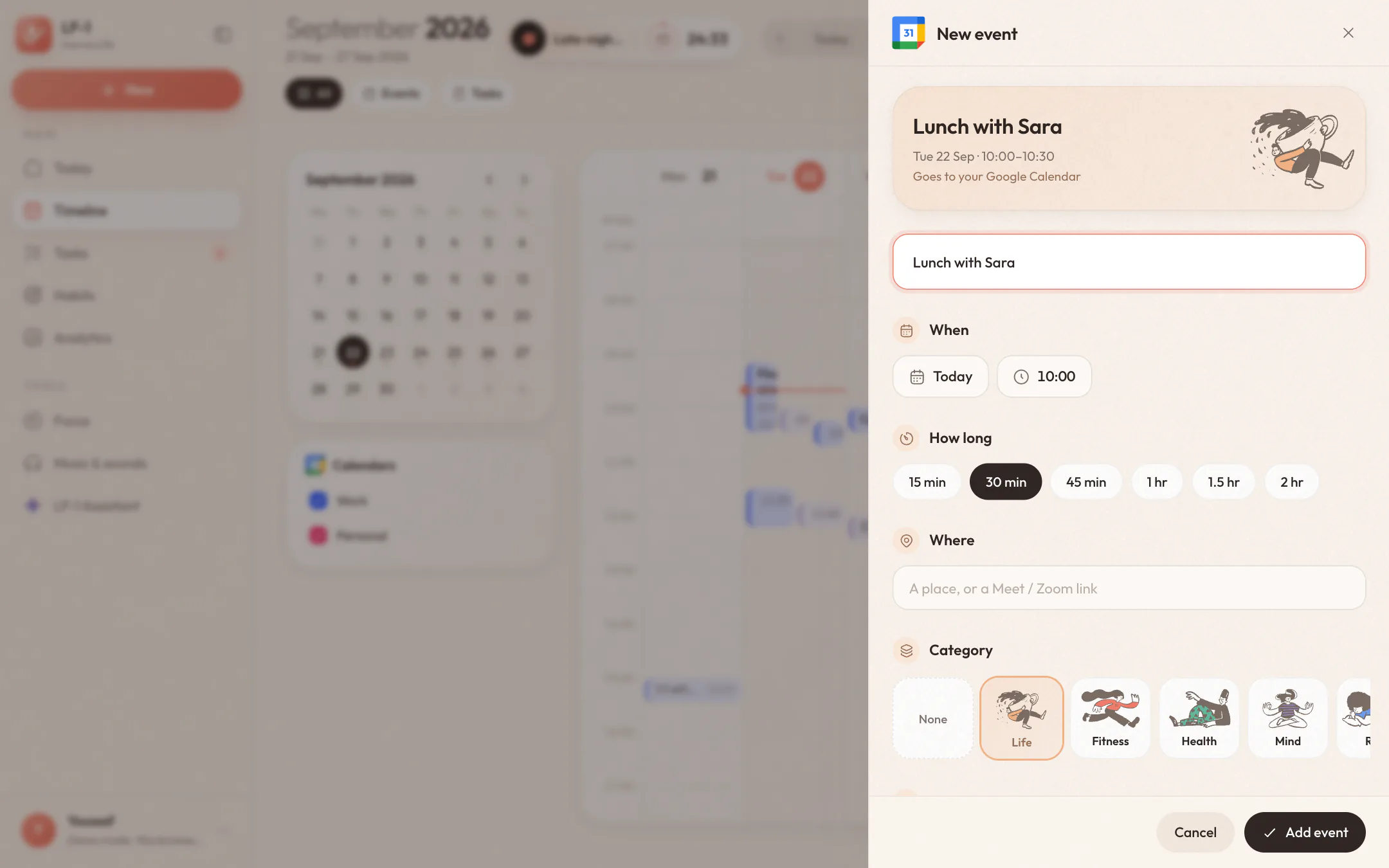
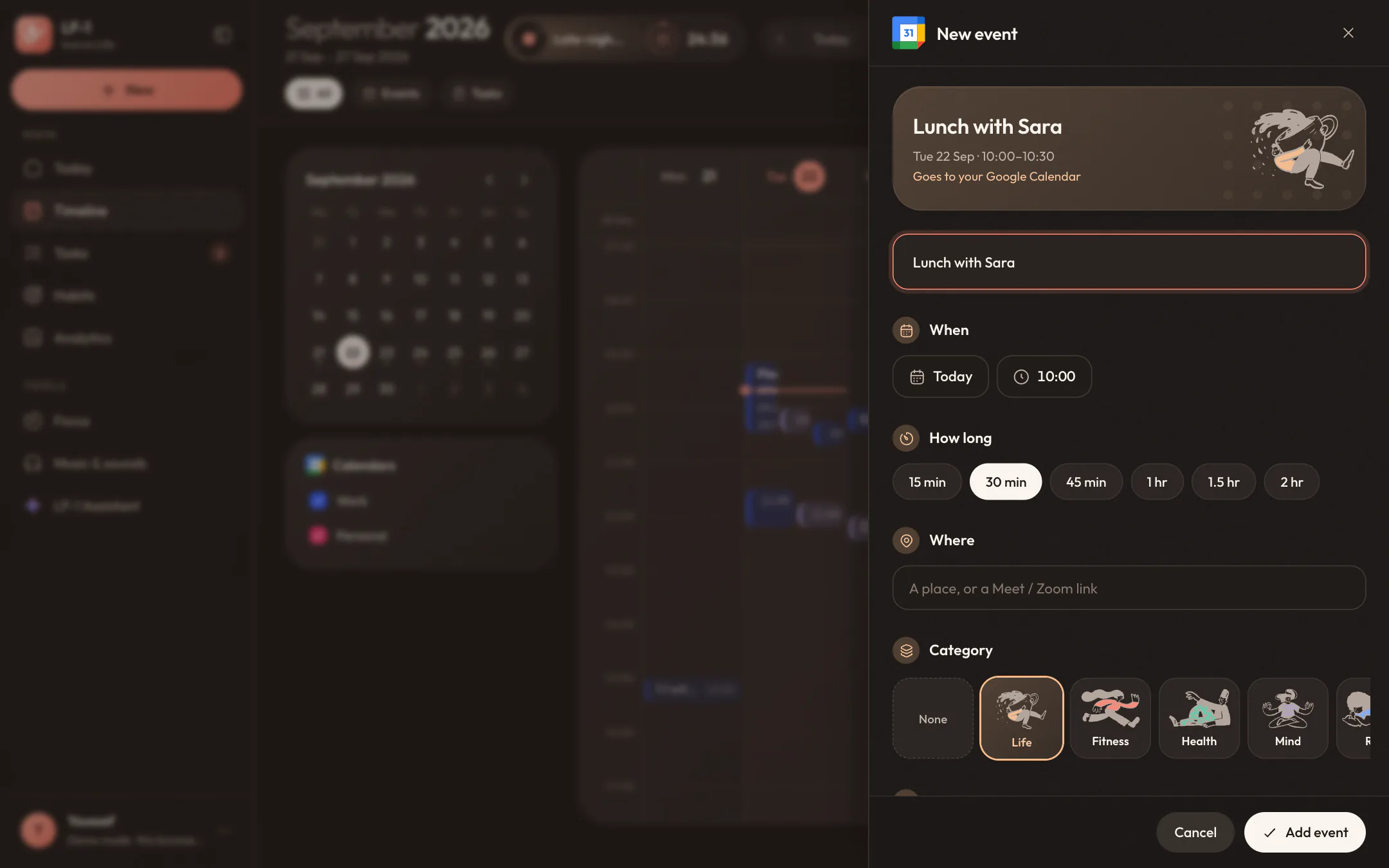
Google Calendar by day, week or month, with your timed tasks on the same grid. Drag an event to move it, choose which calendars show, and press E anywhere in the app to add one without leaving the page you're on.
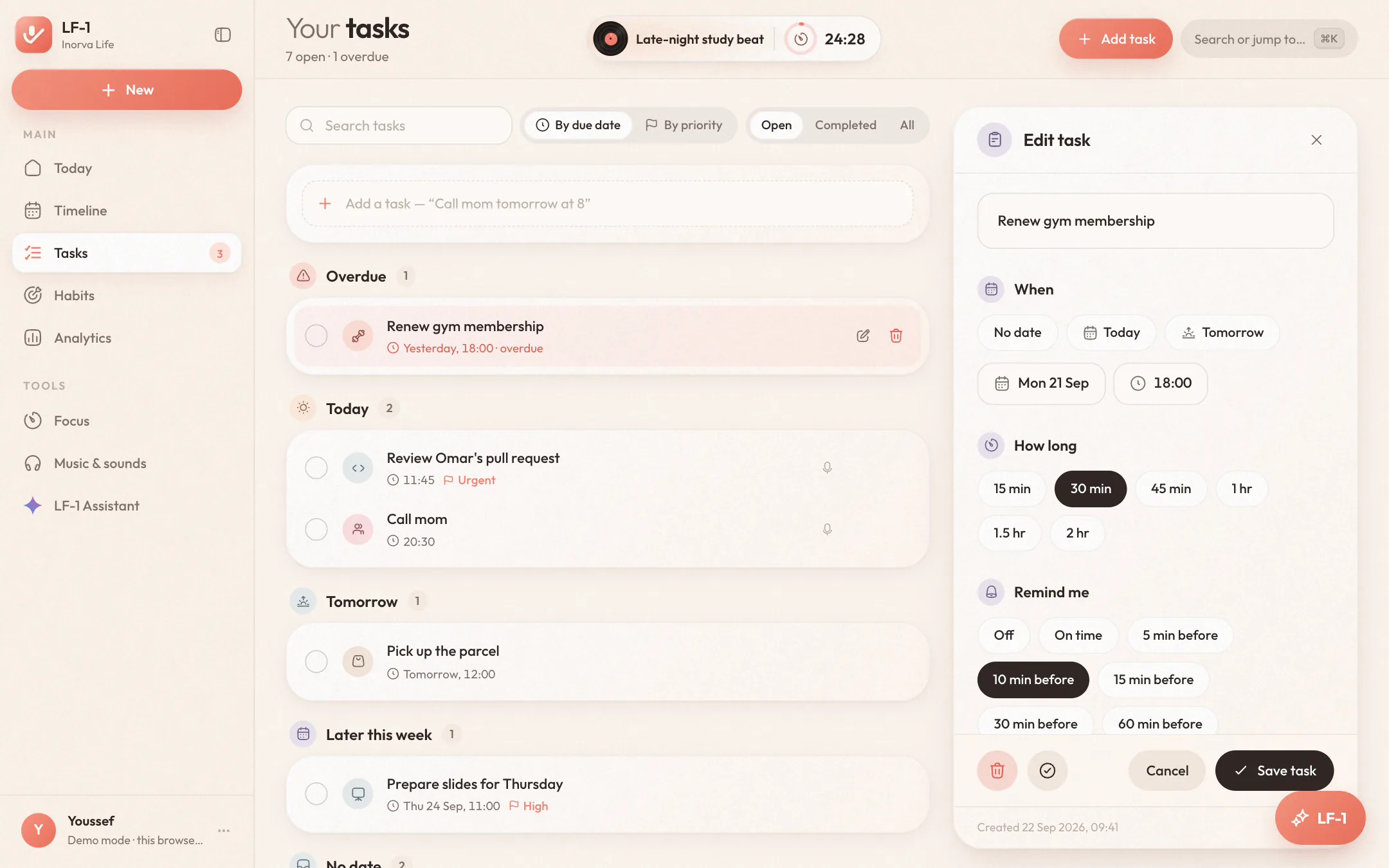
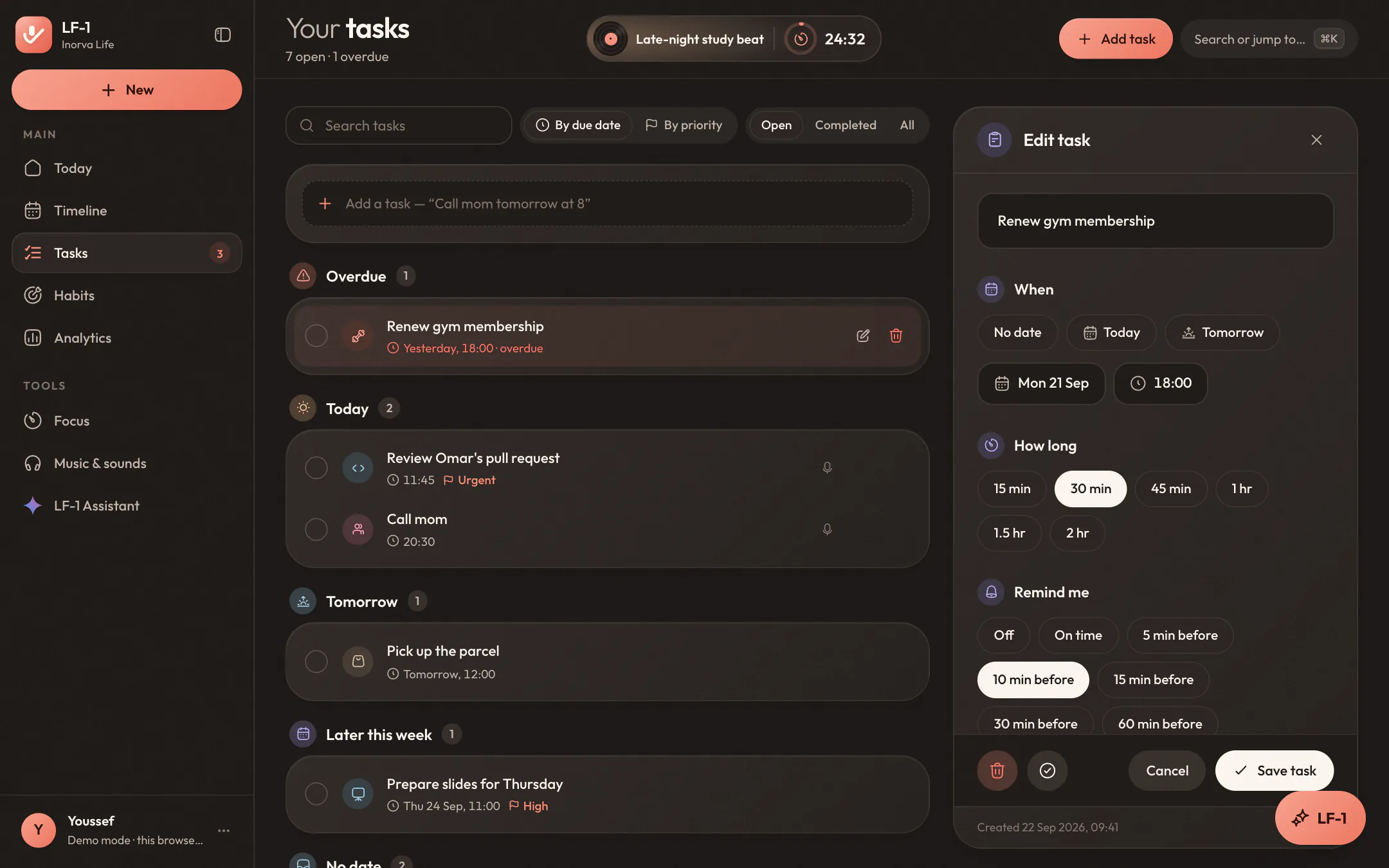
Overdue, today, tomorrow and later, each in its own group. Add one in plain words, like “call mom tomorrow at 8”, and the date and time are understood. Open any task to edit it in a side panel while the list stays in view.
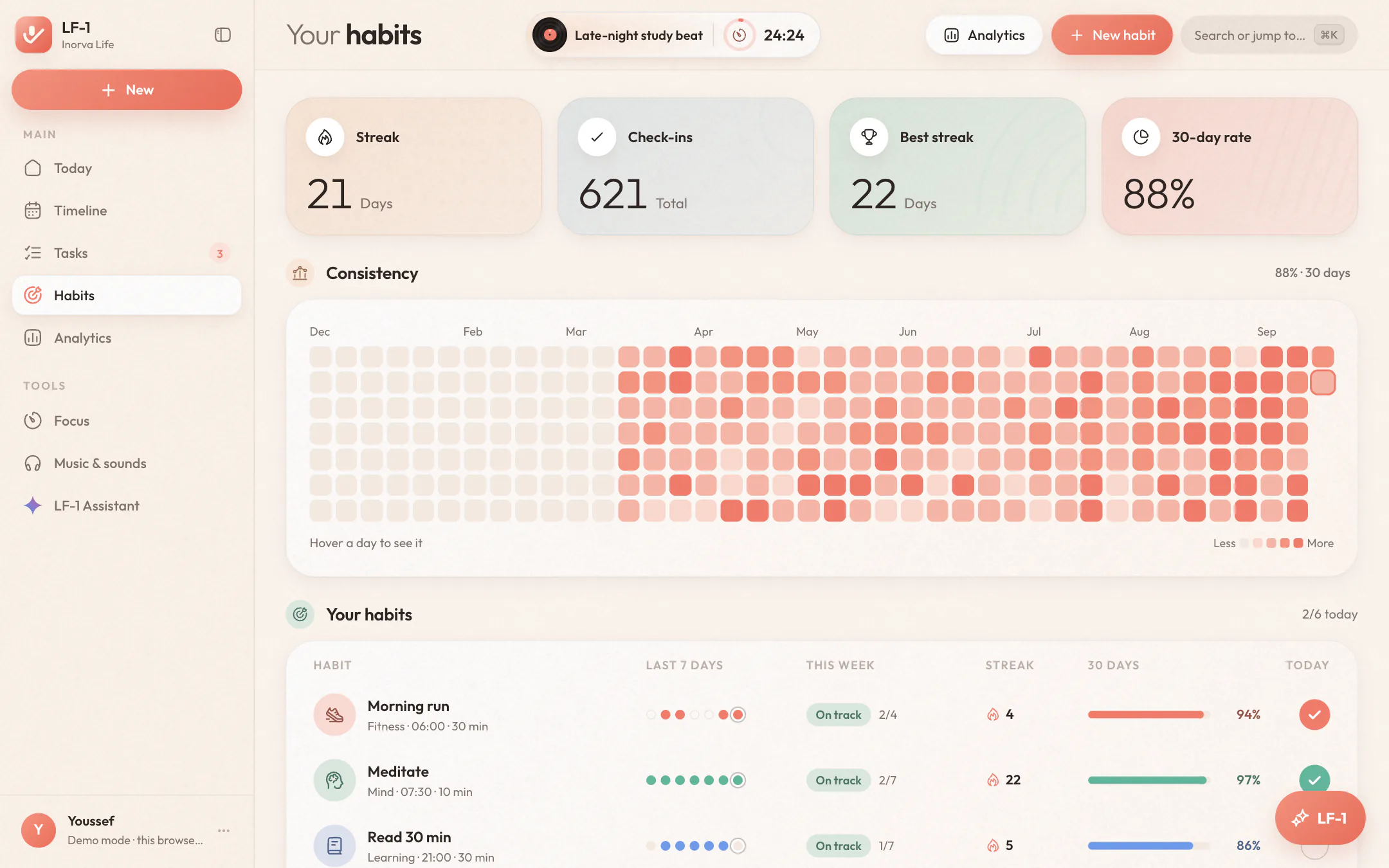
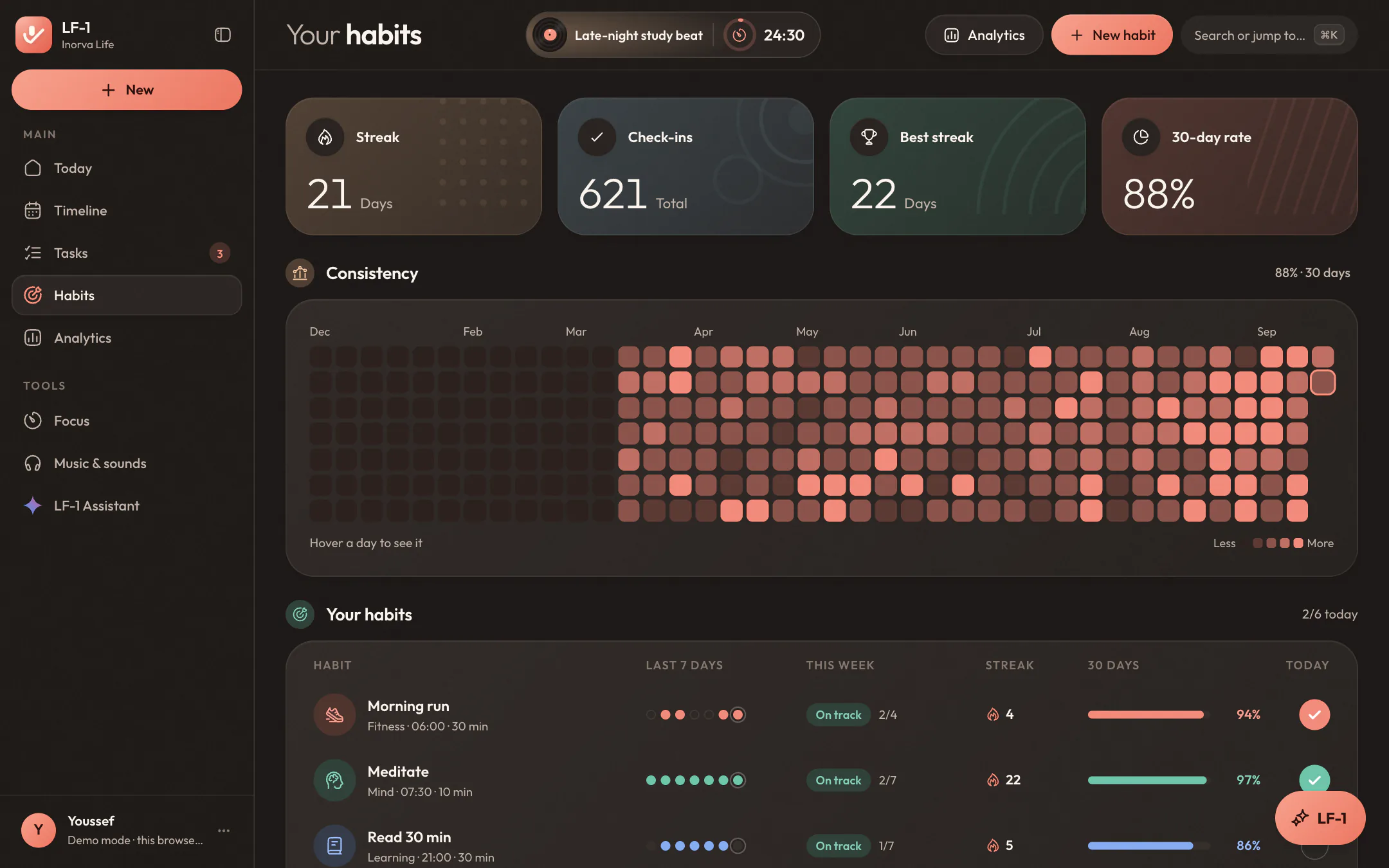
Every habit with its last seven days, this week's pace, its streak and its 30-day rate, over a year of check-ins you can take in at one look. Tick today off right from the list, or open a habit for its whole history.
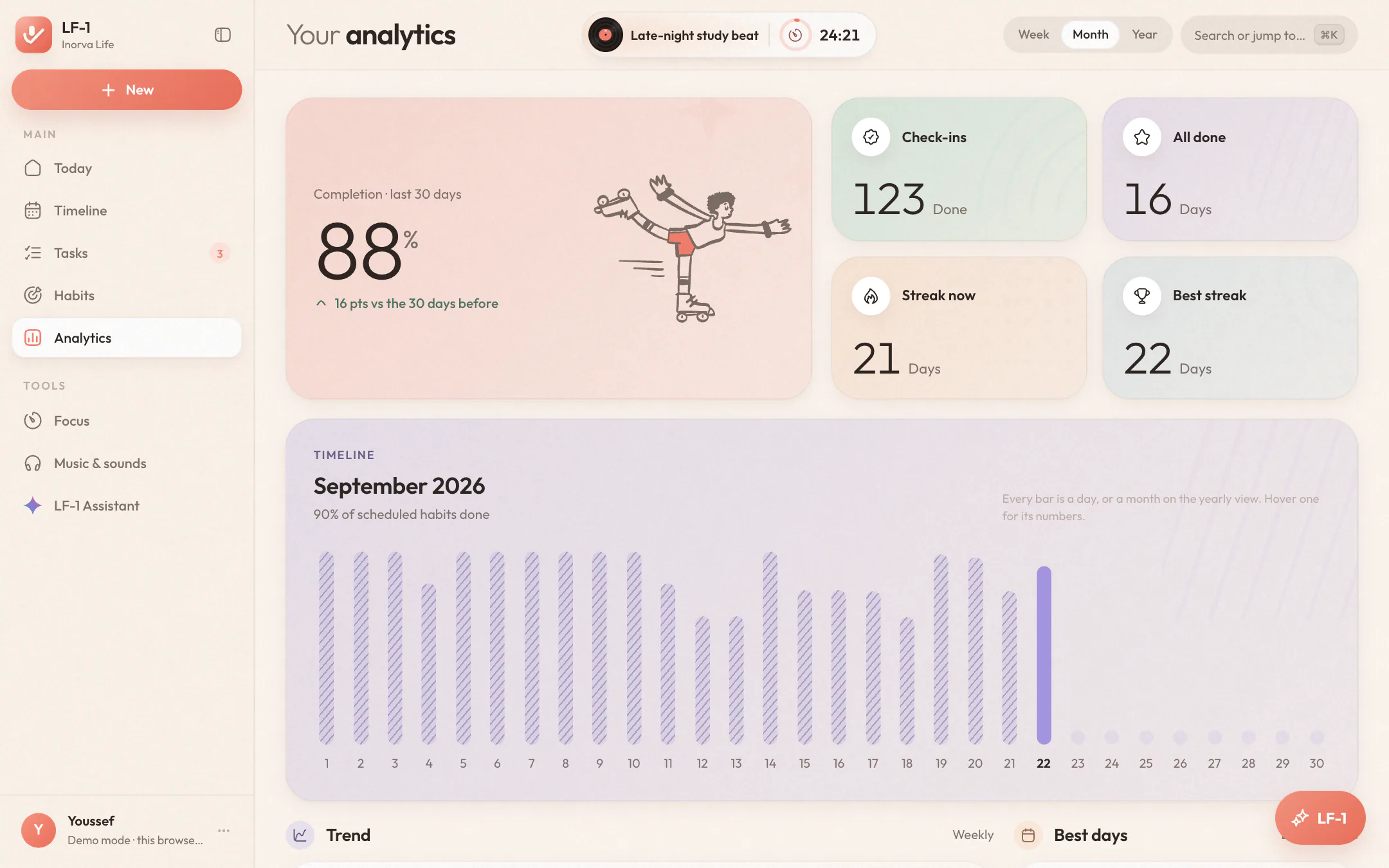
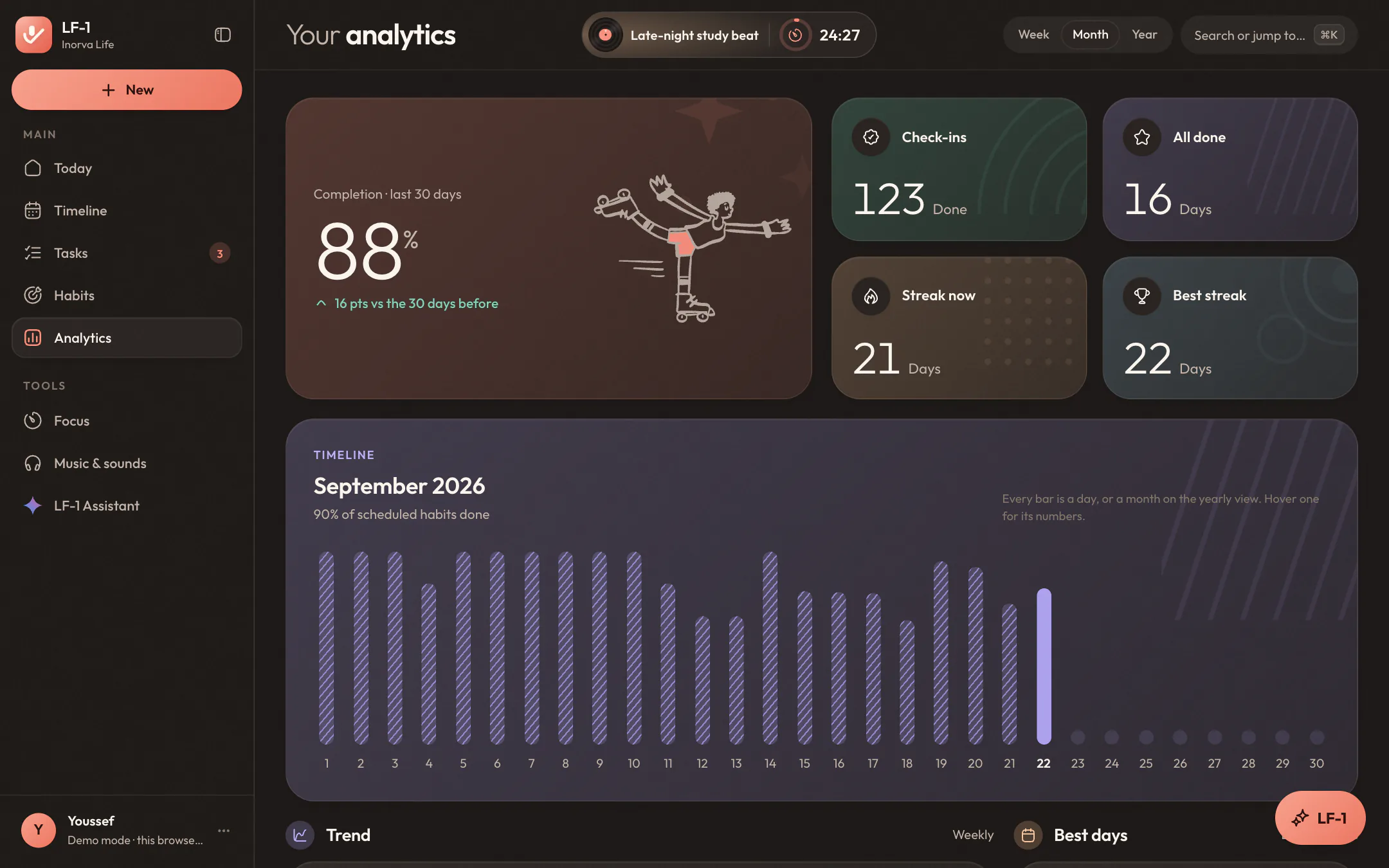
A timeline of the week, the month or the year, your completion against the period before, the weekdays you're strongest on, and your focus: how much, at what time of day, and on what.
What's playing and what's running, always in view.
Start some music or a focus session and LF-1 keeps it at the top of the page, the way your phone keeps a timer on its lock screen. On Today it's a full island with its own controls; everywhere else it folds into a small pill that stays out of the page's way.
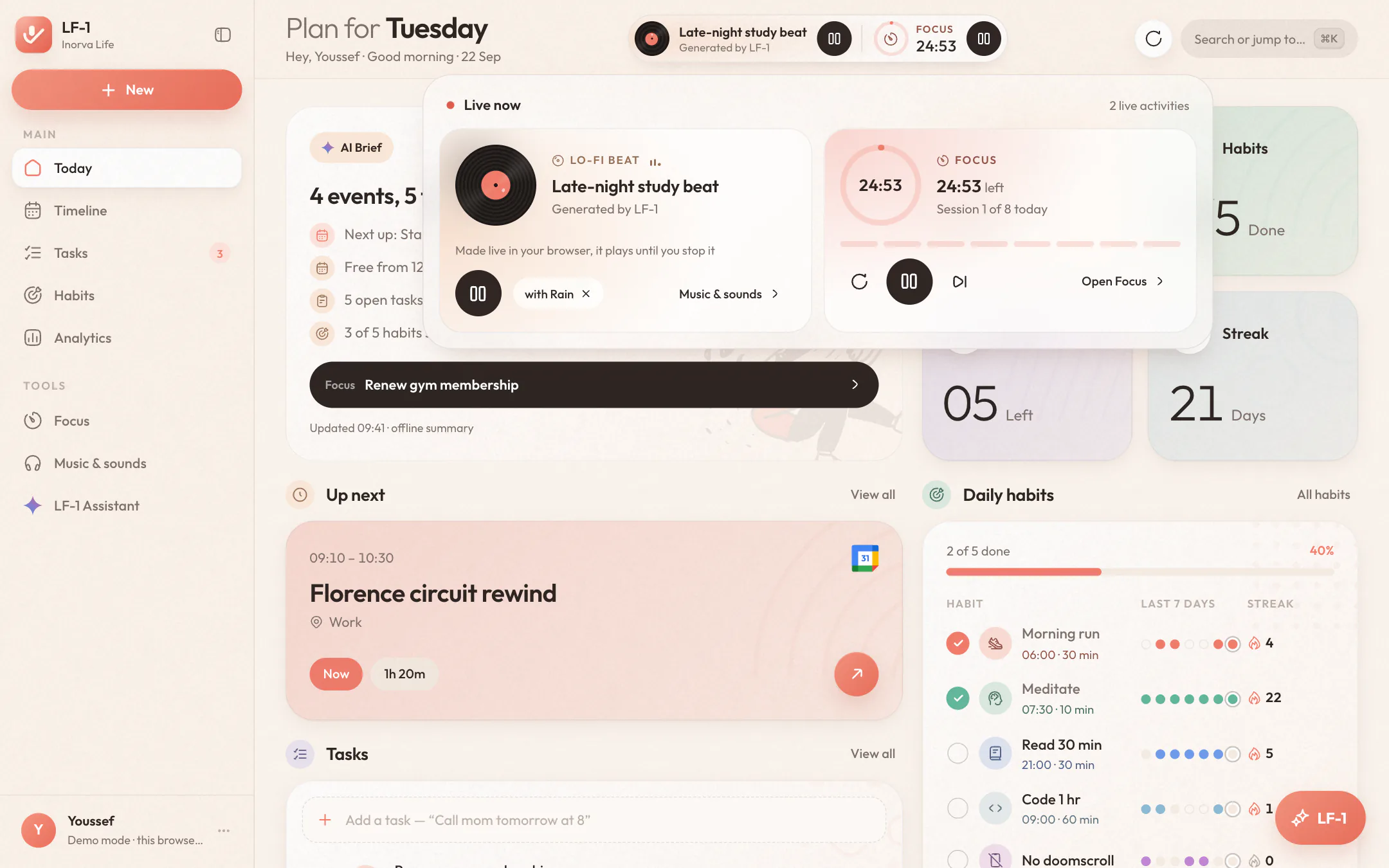
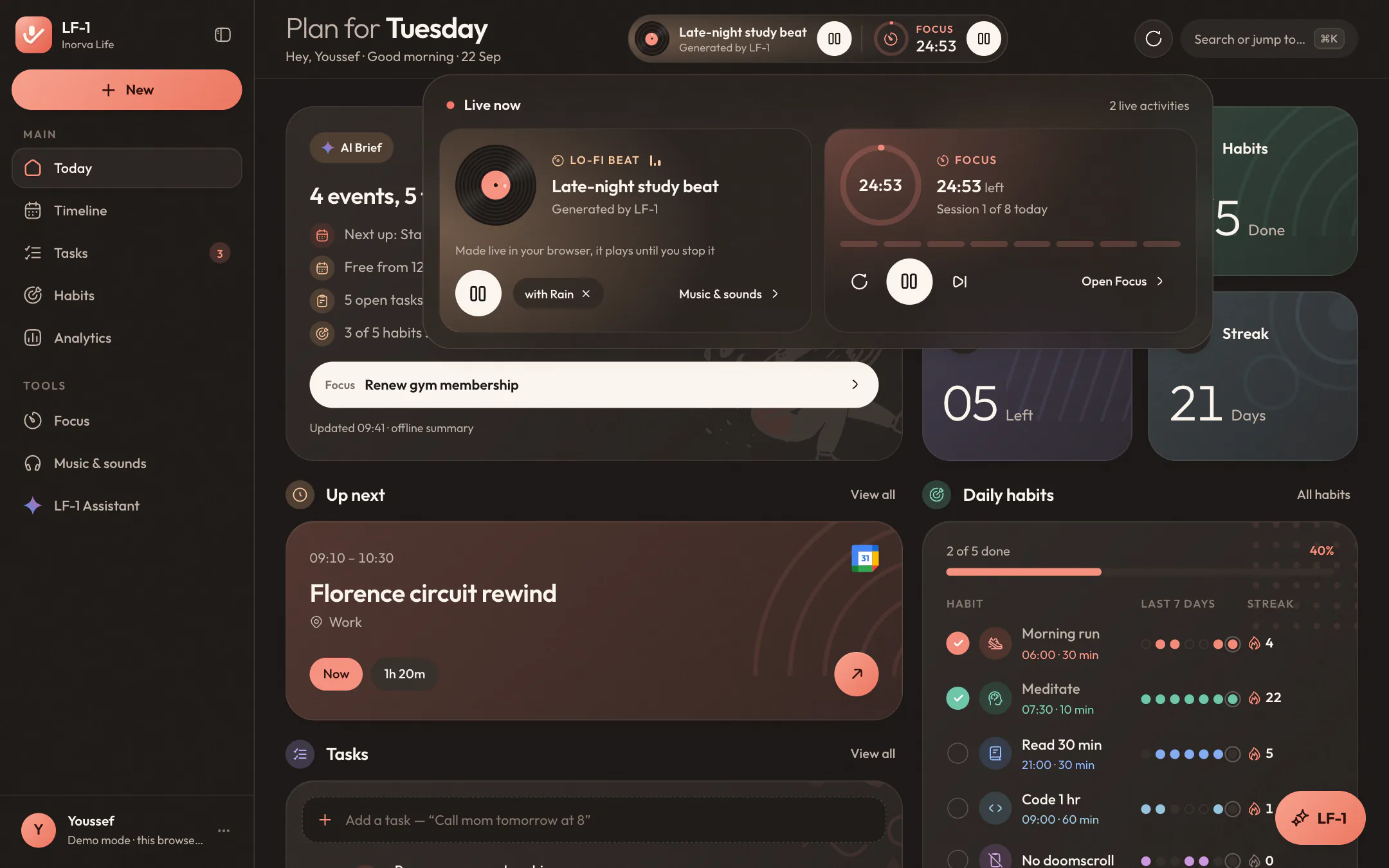
Nothing takes up room until you press play or start the timer. Then the island appears in the header with the cover, the song and the time left.
Skip a song, pause the music or the timer, without leaving what you're working on. The ring fills as the session runs.
Open it for the full view: the song with its progress and whatever soundscape is under it, the timer with reset, skip and today's sessions.
Say what you need, watch it happen.
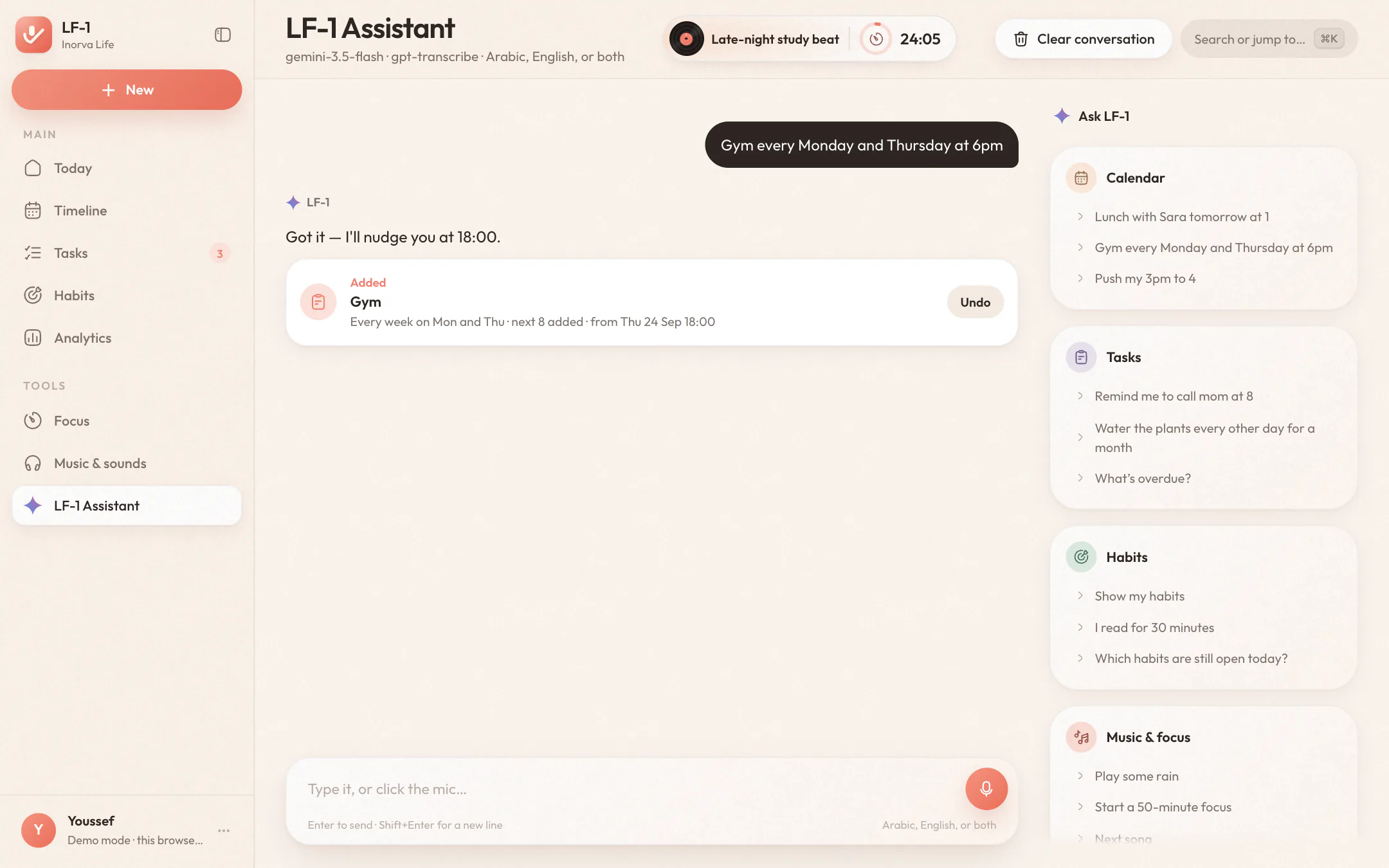
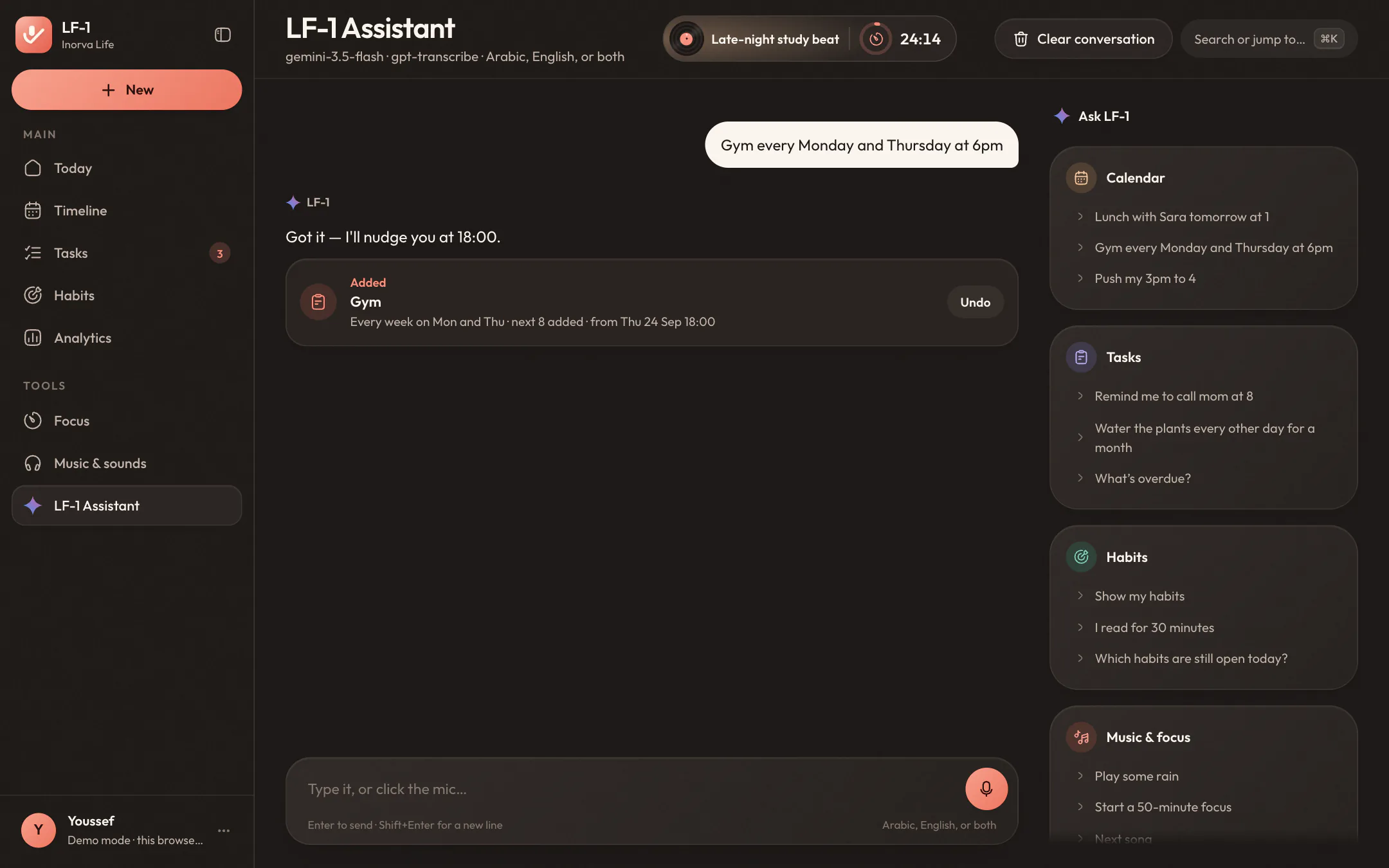
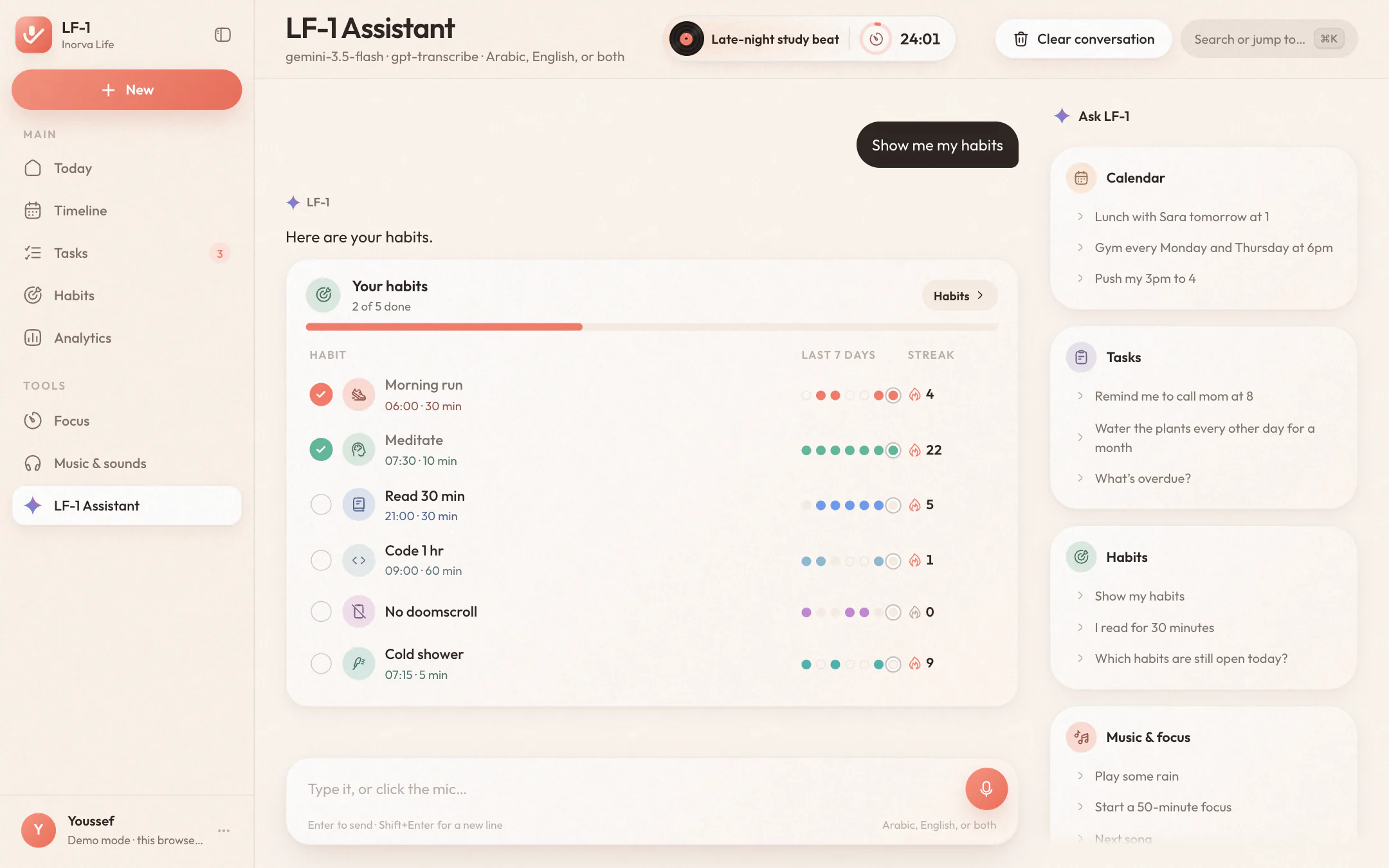
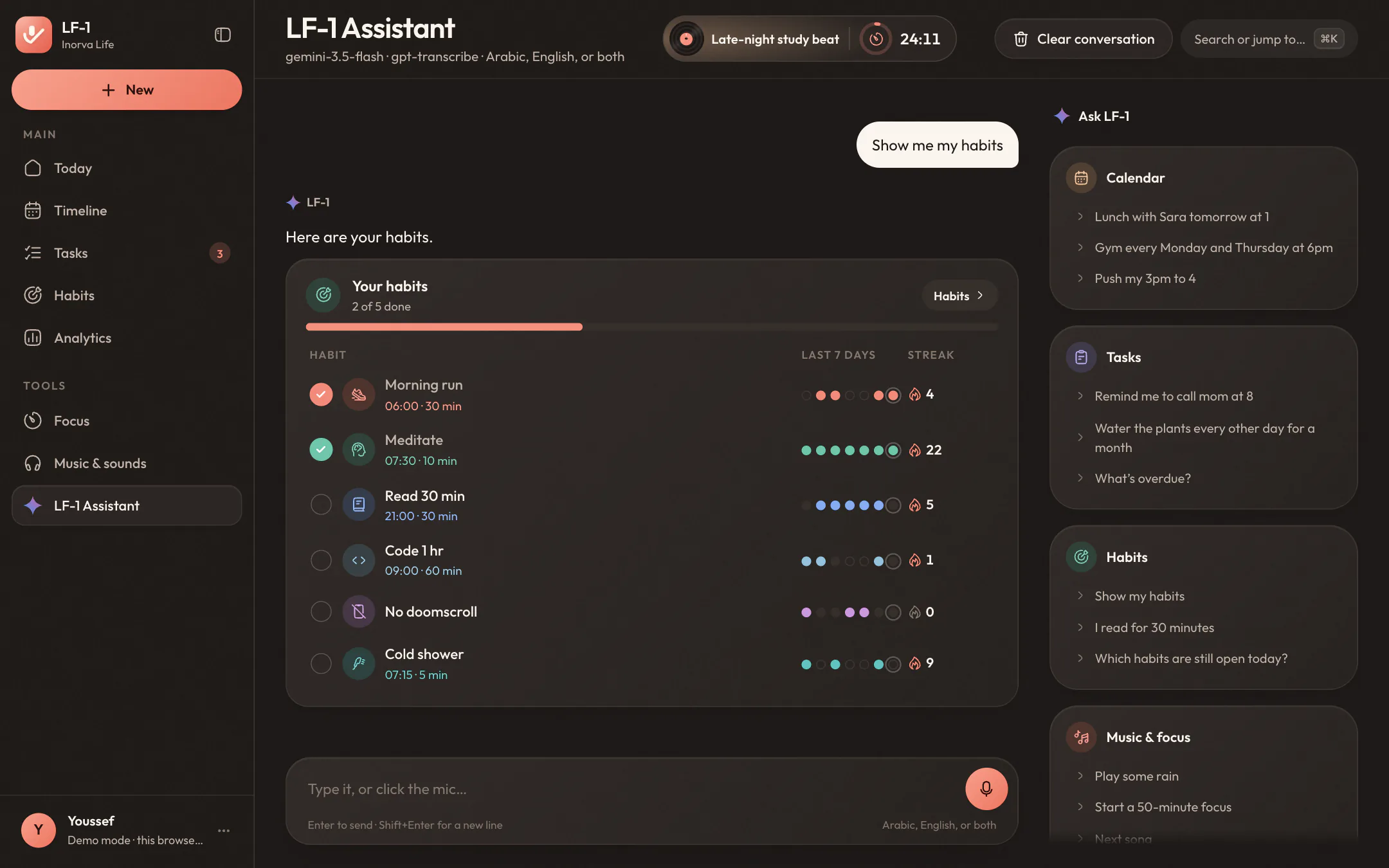
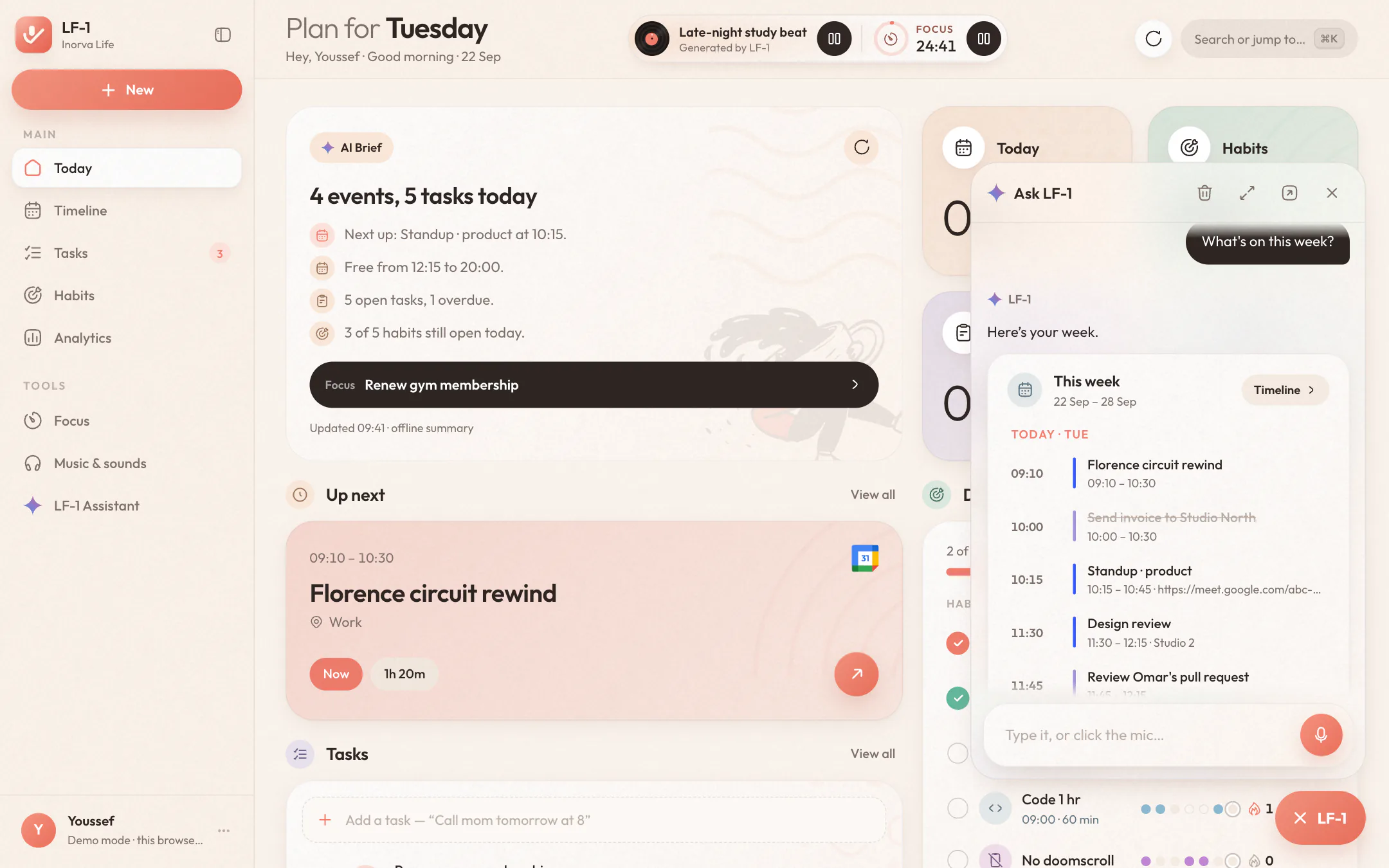
Type it, or talk to it, in Arabic, English or both in one sentence. It doesn't stop at a reply: it adds the event to Google Calendar, shows a live card you can tick things off in, starts the timer or the music. Everything it does comes with Undo, so trying something costs nothing.
A weekly event in your calendar, from the first Thursday on
A live card: check them off right in the chat
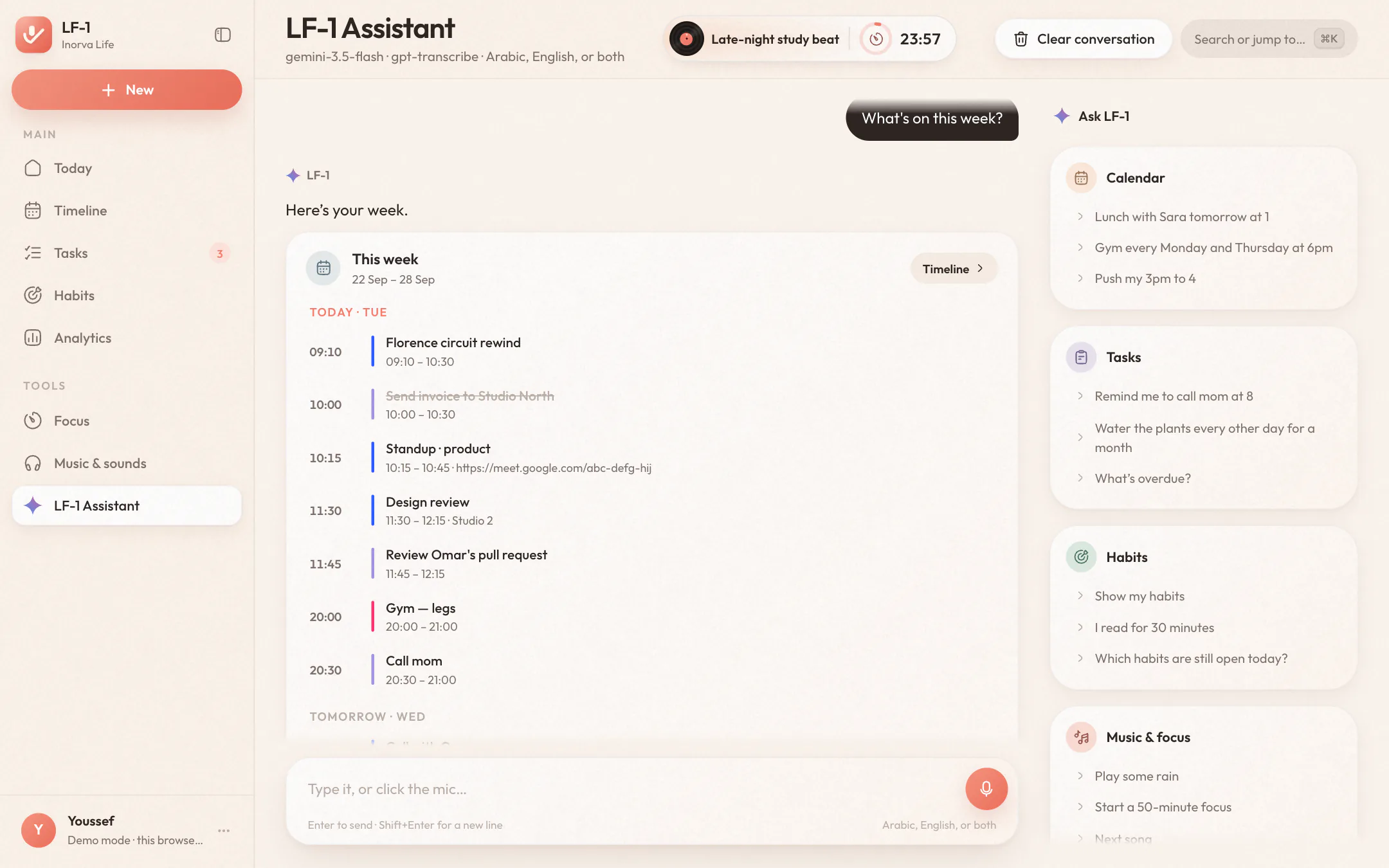
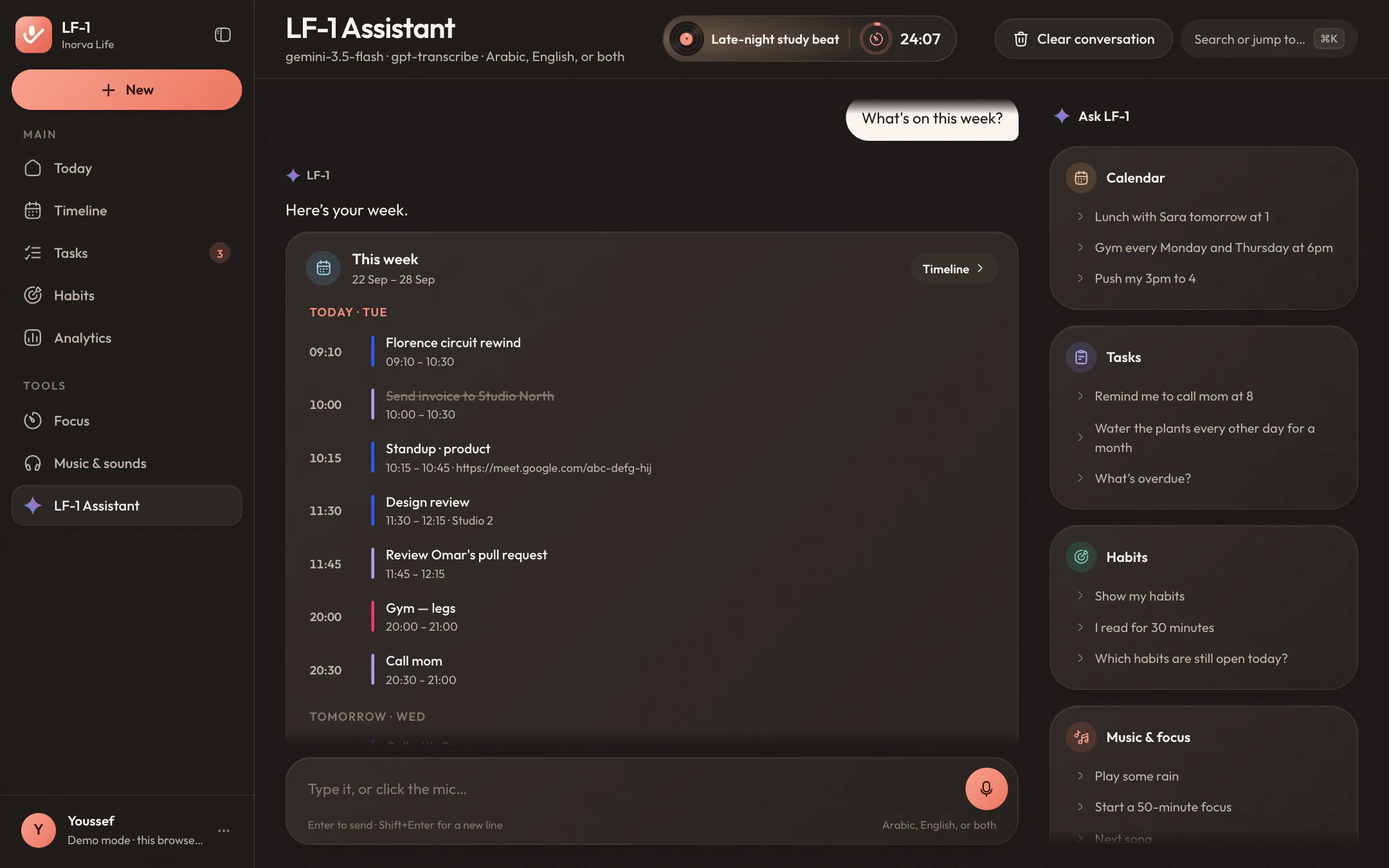
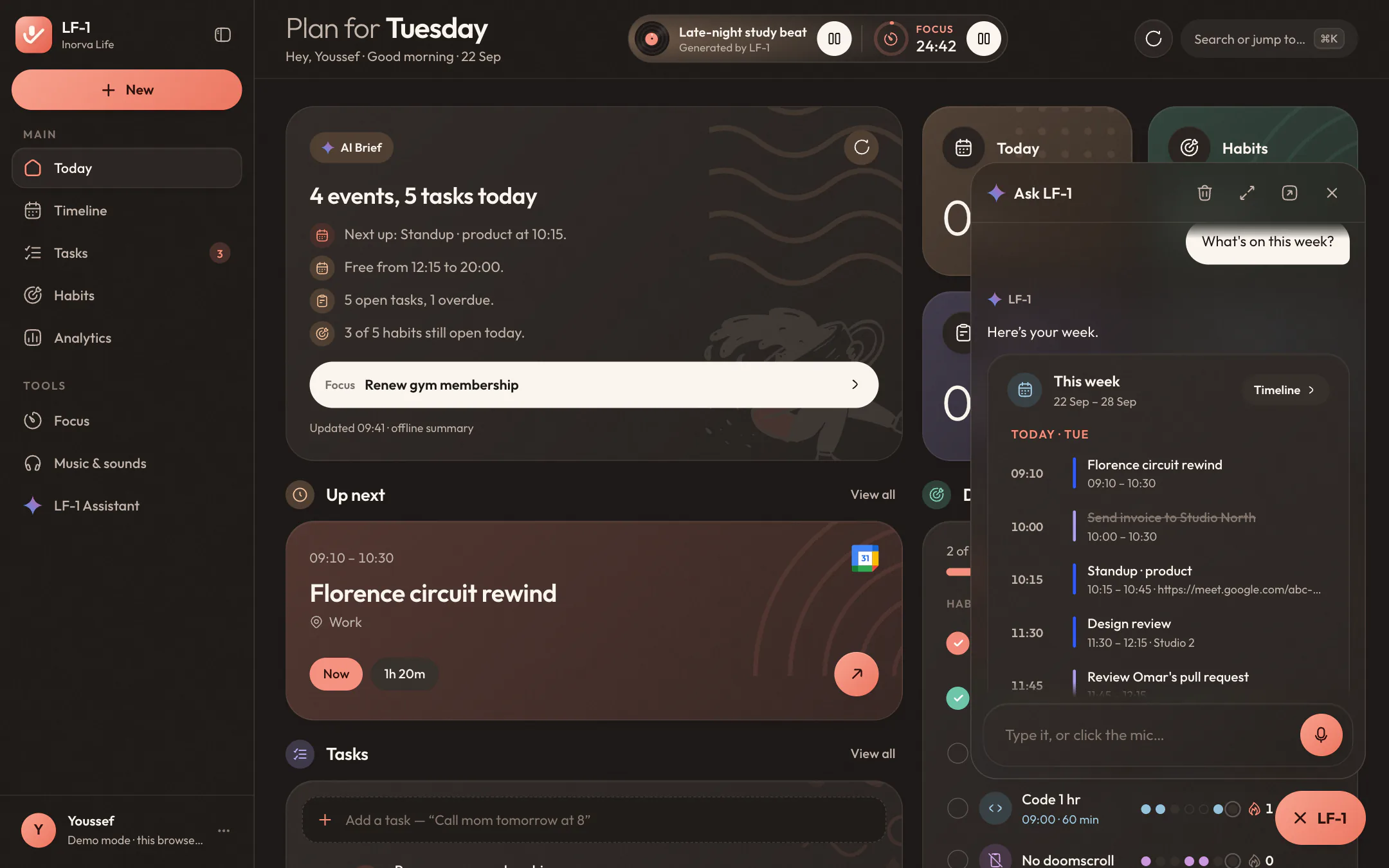
The week's agenda, today first
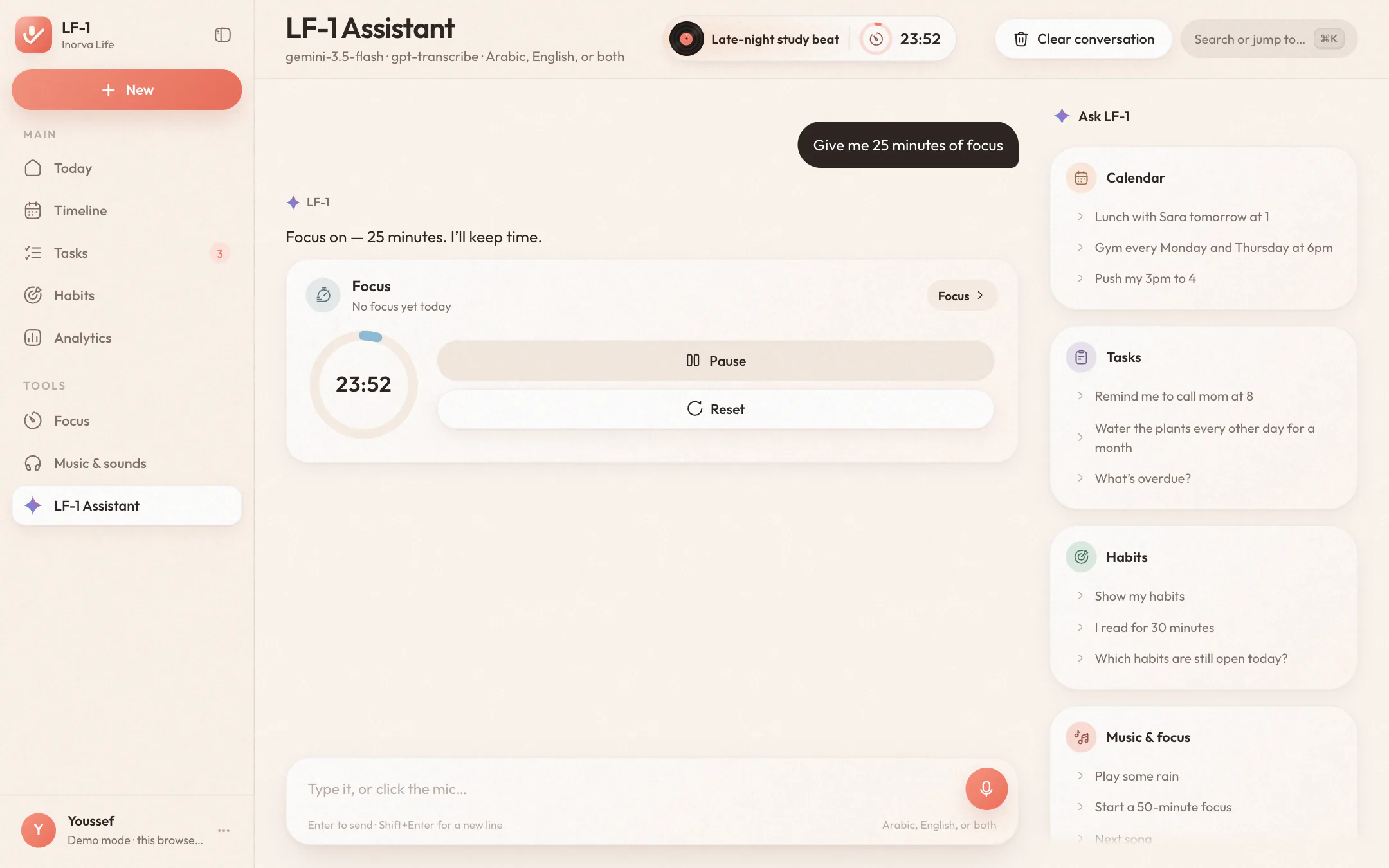
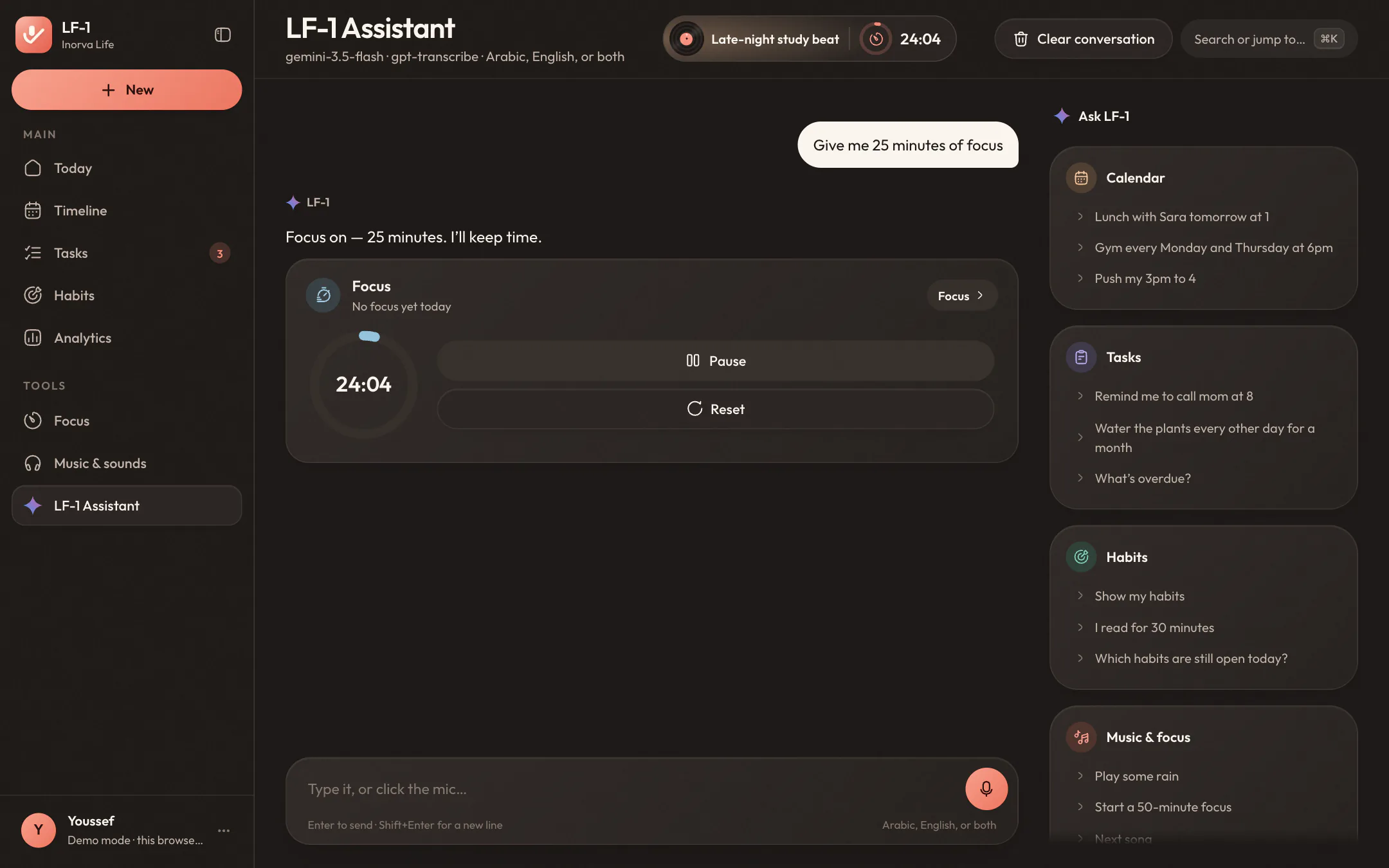
The timer starts, and keeps time in the header of every page
Or: “water the plants every other day for a month”, “push my 3pm to 4”, “play some rain”, “open my timeline”, “switch to dark mode”.
LF-1 is one click away, wherever you are.
A small LF-1 pill sits in the corner of every page. Hover it and it offers two ways in: speak, and it starts listening straight away; type, and the box is ready for your words. The conversation opens in a panel above it, grows when an answer needs the room, and opens as a full page when you want to stay a while.
Click to start and click to send, or hold and let go. It hears Arabic and English, and shows a waveform the whole time it listens.
Enter sends, Shift+Enter adds a line. ⌘J opens it from anywhere, and ⌘⇧J starts it listening.
A bigger panel for a long answer, or the full page, with examples beside the conversation.
Put the phone down. The timer's right here.
Turn the dial to set a session, pick the task you're on, and let the time count toward a habit if you like. Then choose what you hear: rain, the sea, a fireplace or soft noise made live in your browser, a lo-fi beat, piano by Bach, Satie, Chopin and Debussy, or your own Spotify. Whatever's playing sits right beside the timer, so you can skip a song without losing your place.
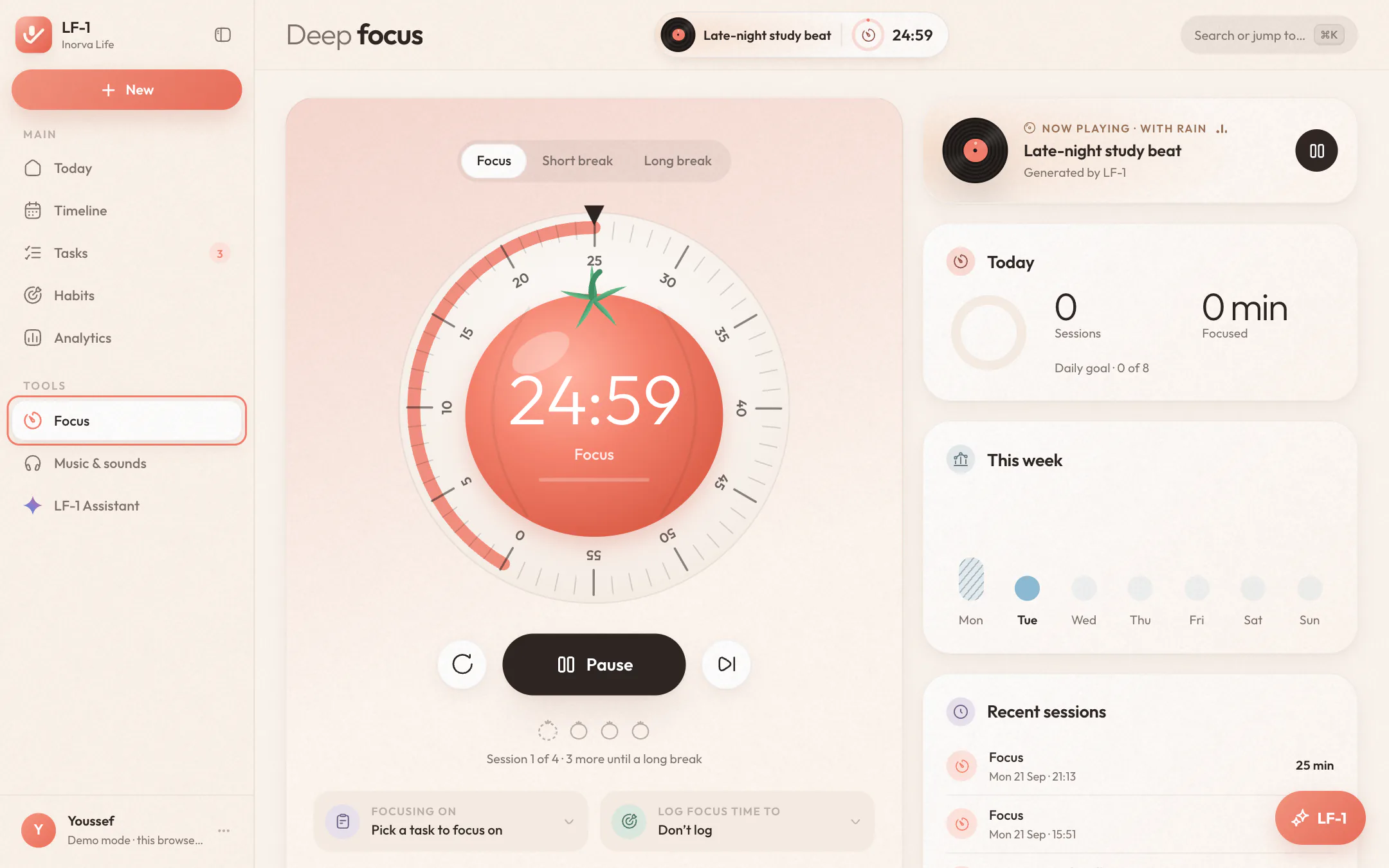
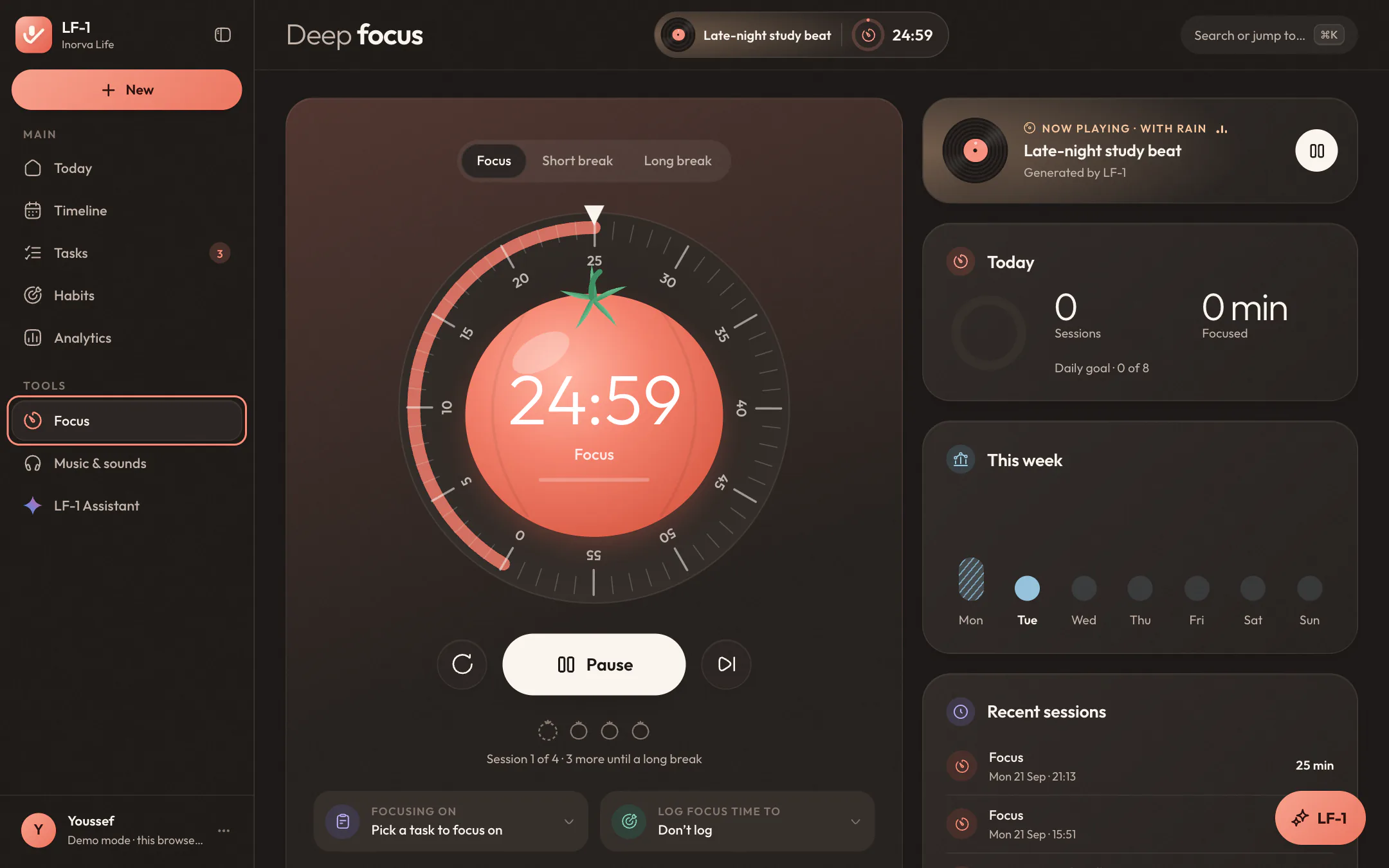
Focus, a short break or a long one. Every session counts toward your daily goal, and the tab's title counts down with it.
Focus on a task, or log the minutes to a habit like Read 30 min, and see where the time went in Analytics.
Soundscapes are generated in your browser, under whatever music you choose. Nothing to download.
Open-licence piano from Wikimedia Commons, every piece credited, or connect Spotify and play any song from your playlists.
Keep it going, and feel it.
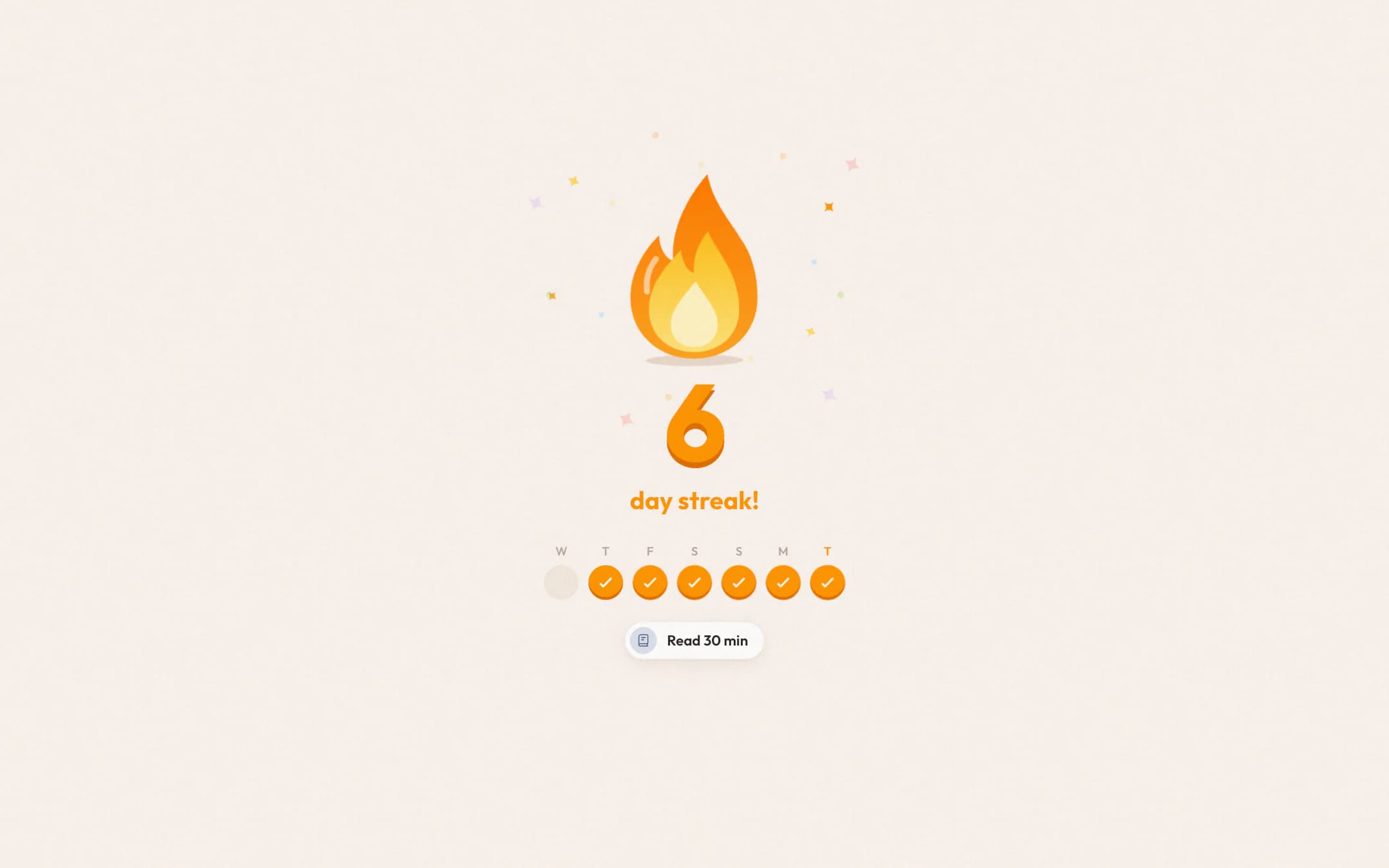
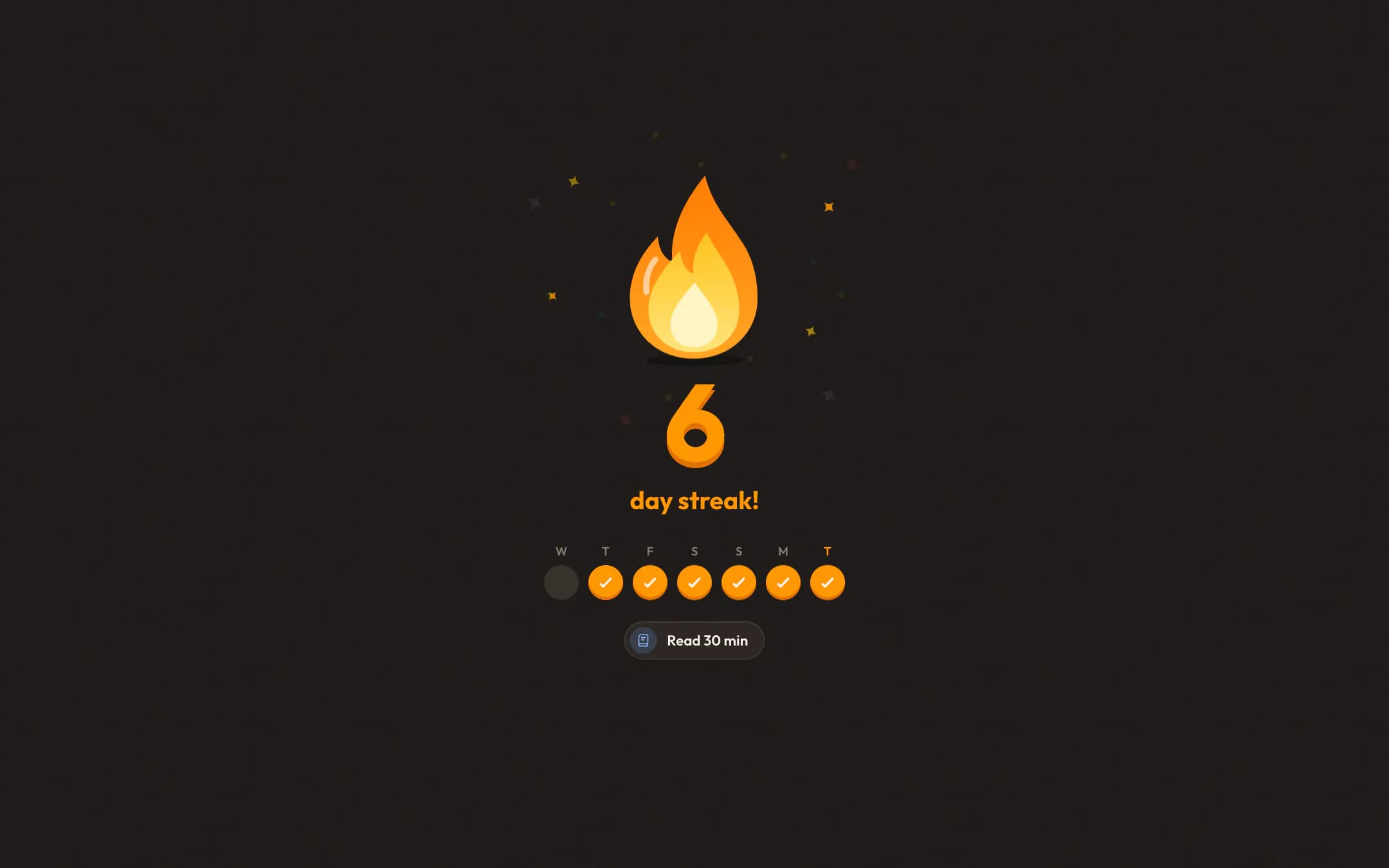
Check off a habit that keeps a run alive and LF-1 makes a moment of it: a bouncy flame, a little chime, and today lighting up in your week. Milestones and new personal bests get a bigger one. Scroll and watch the week fill in.
Your week, your month, your year, in one place.
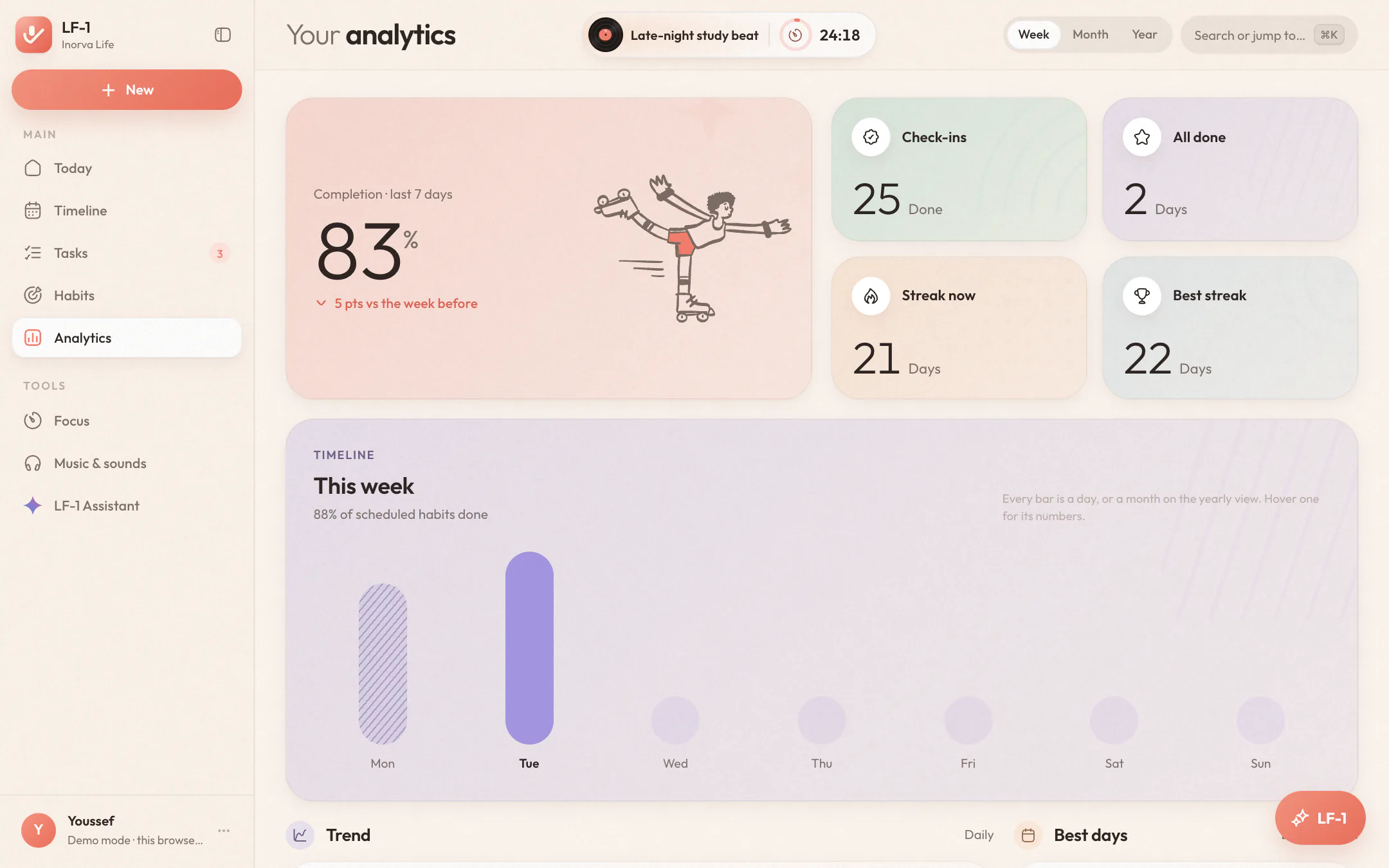
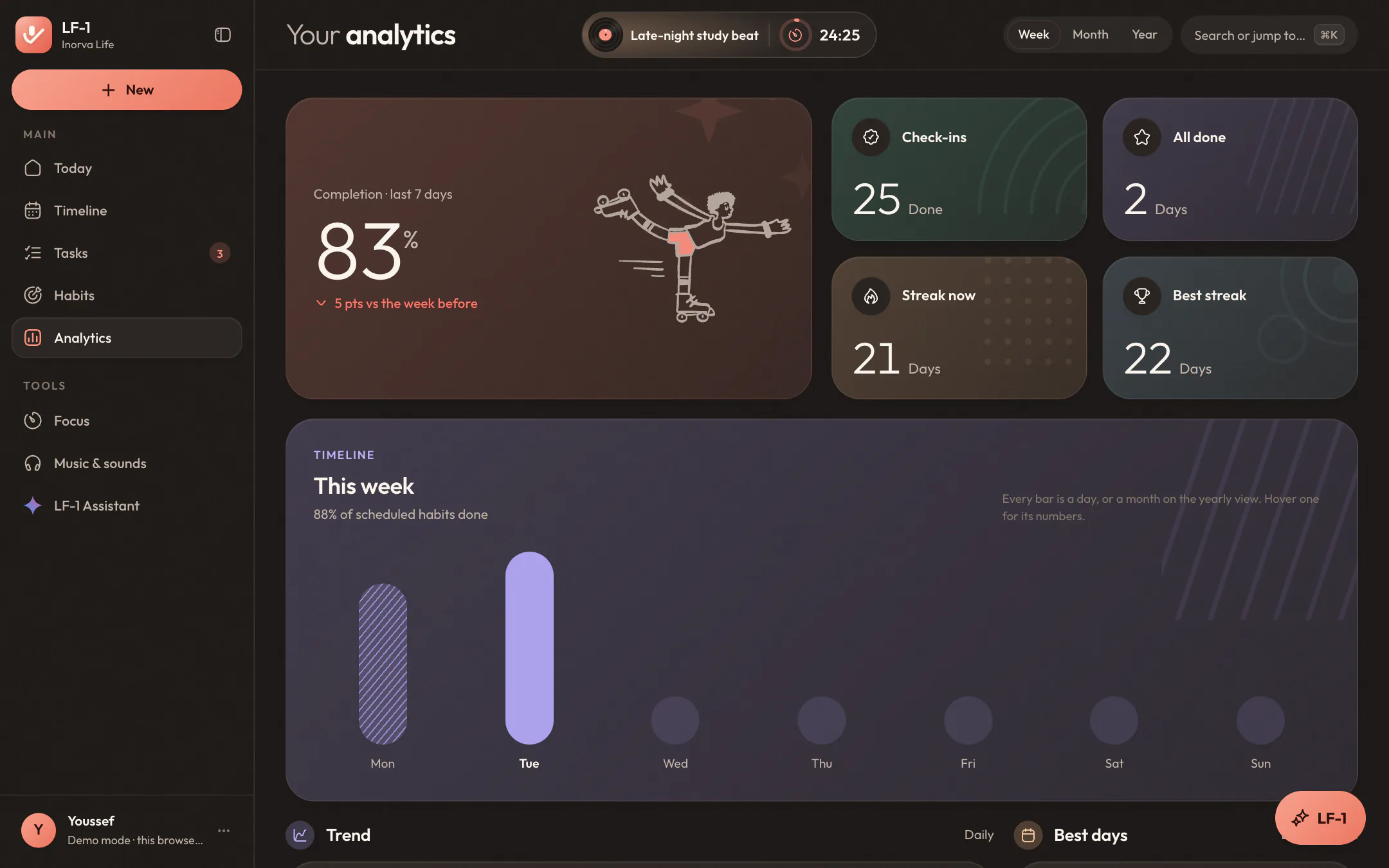
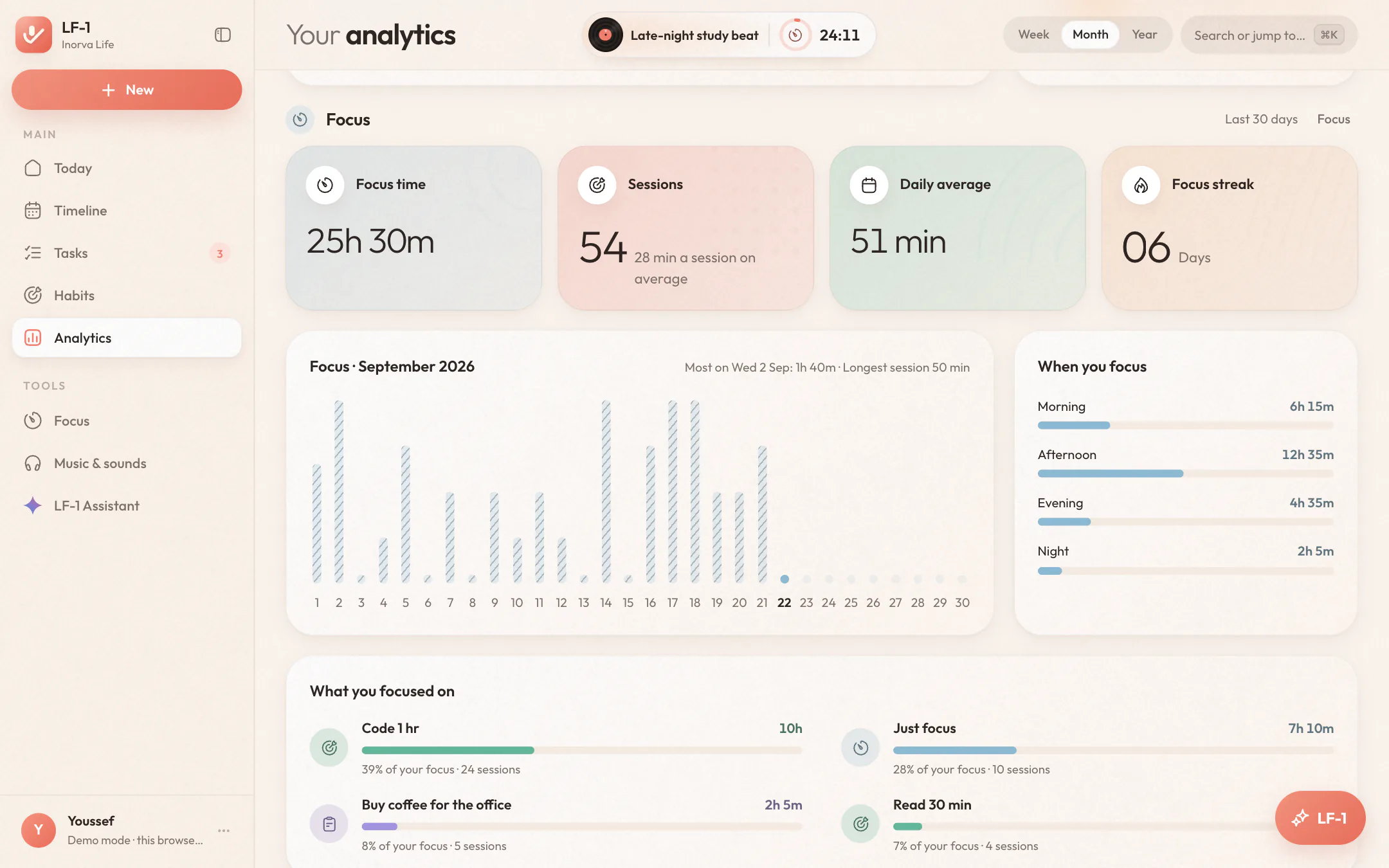
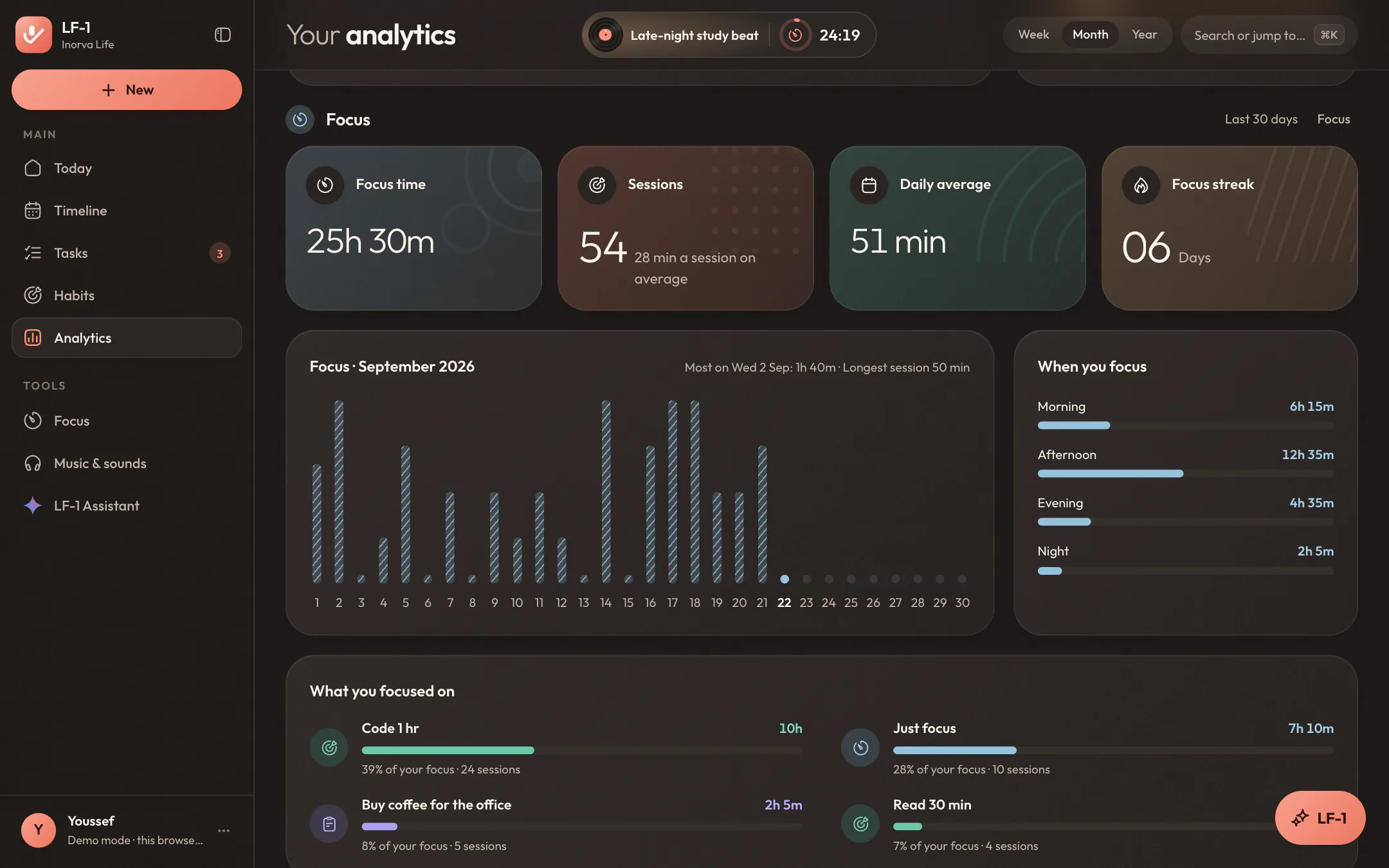
Pick a week, a month or a year and the whole page follows: your completion against the period before, a timeline of every day or month, your trend, and the weekdays you're strongest on. Then the part a phone screen never had room for: your focus, in numbers.
Seven bars for seven days, today standing out and the days still to come waiting their turn.
Thirty bars at once show the rhythm of your month: the strong stretches, the gaps, and how you came back from them.
Twelve months side by side, so a good season is easy to spot, and to repeat.
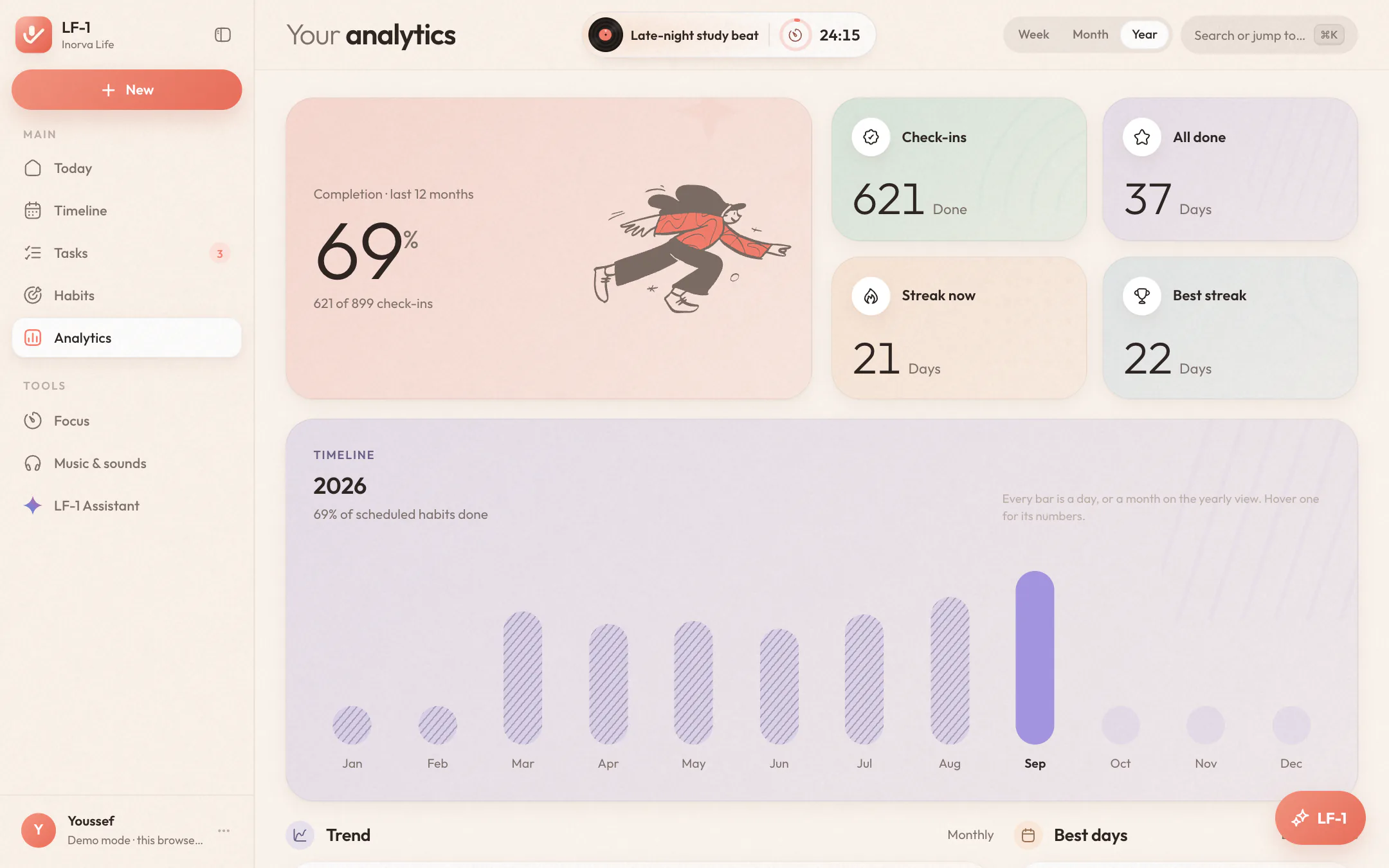
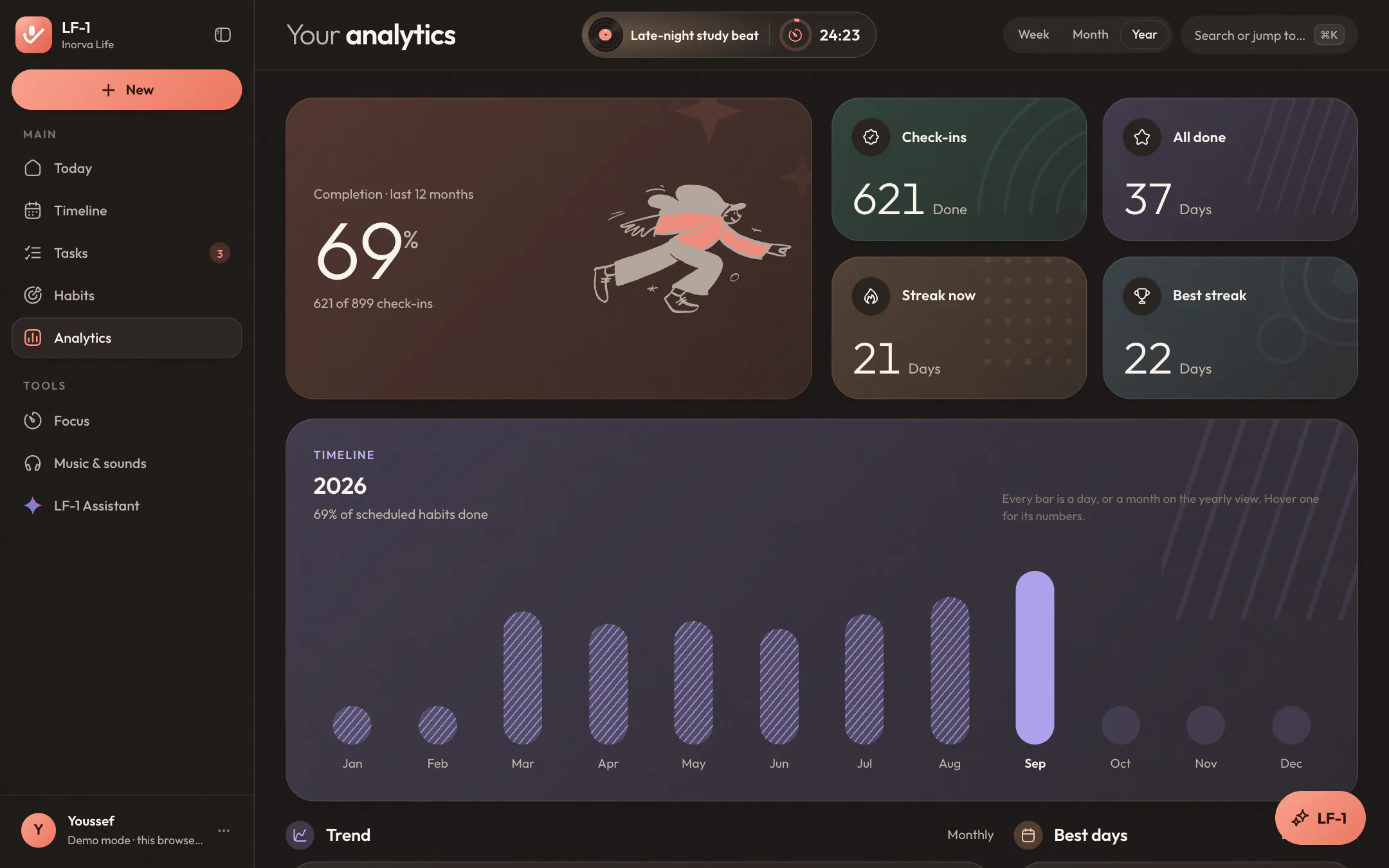
Total focus time and sessions, your daily average and focus streak, the time of day you focus best, and which tasks and habits got the hours.
Keep your hands on the keys.
⌘K finds any task, habit, event or page as you type. Single keys create things, G jumps between pages, and ? lists the rest. On Windows and Linux, Ctrl does what ⌘ does, and the keys on this page already show the ones on your keyboard.
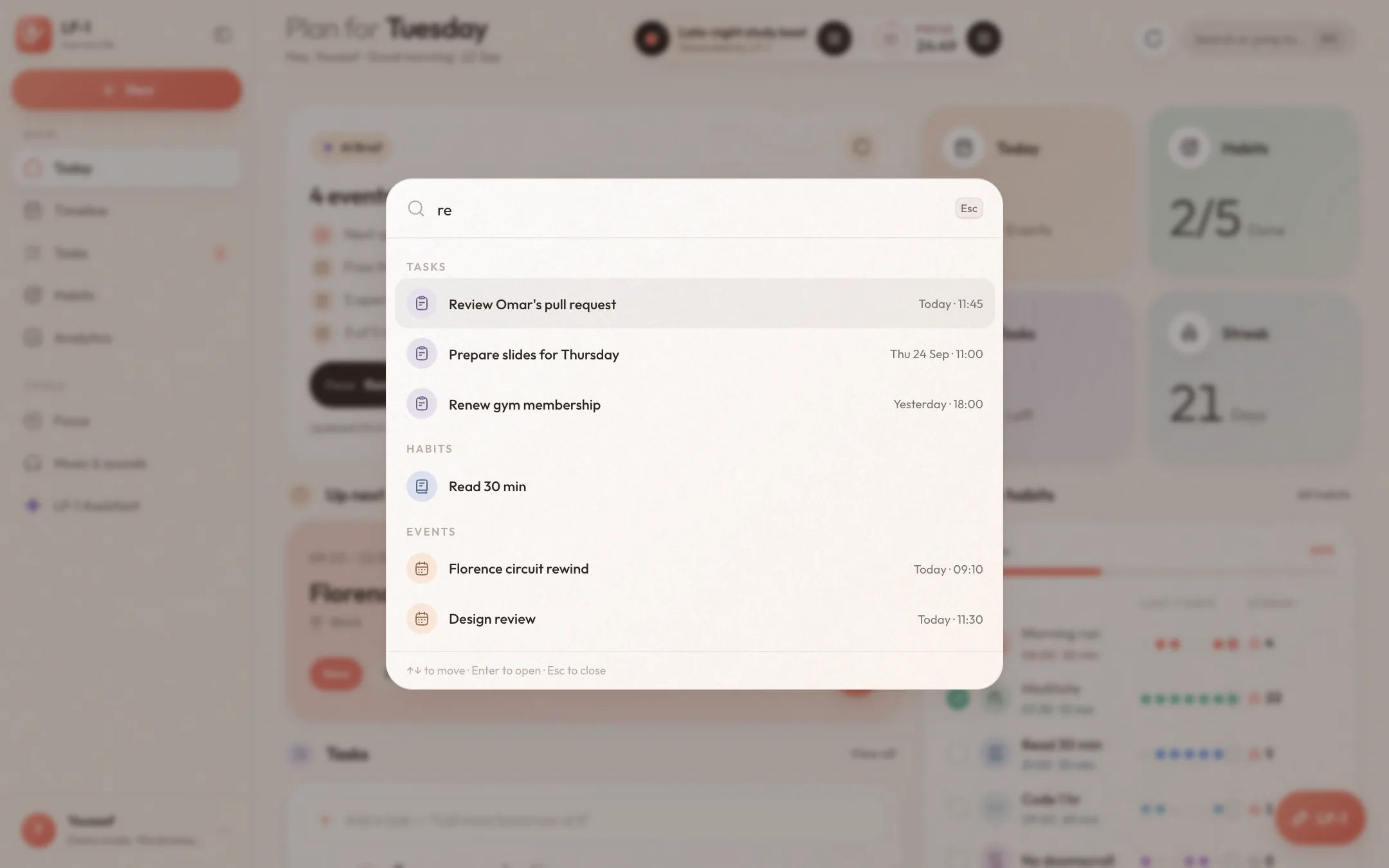
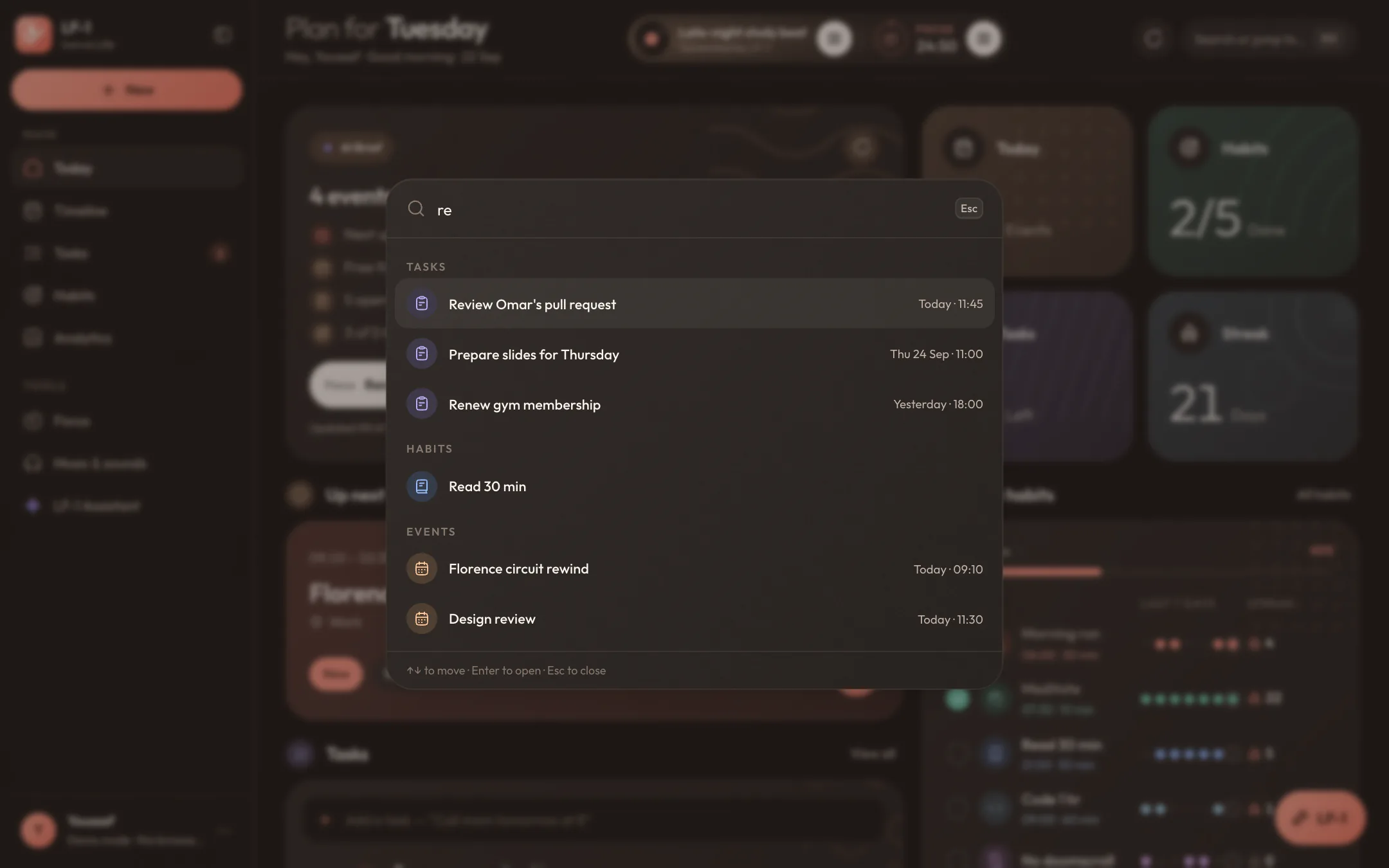
- Search or jump to anything⌘Kor/
- Ask LF-1, from any page⌘J
- Talk to LF-1 straight away⌘⇧J
- New taskC
- New eventE
- New habitH
- Go to Today (or C, K, H, A, F, M, S)GthenT
- Start or pause the focus timerSpace
- Sync now⌘S
- Every shortcut?
Right to left, all the way through.
Switch the app to Arabic and everything turns around: the sidebar moves to the right, every page reads right to left, the numbers and charts follow, and the type changes to one drawn for Arabic. The assistant understands both, even in the same sentence, and the brief can be written in either. Scroll to swap one for the other.
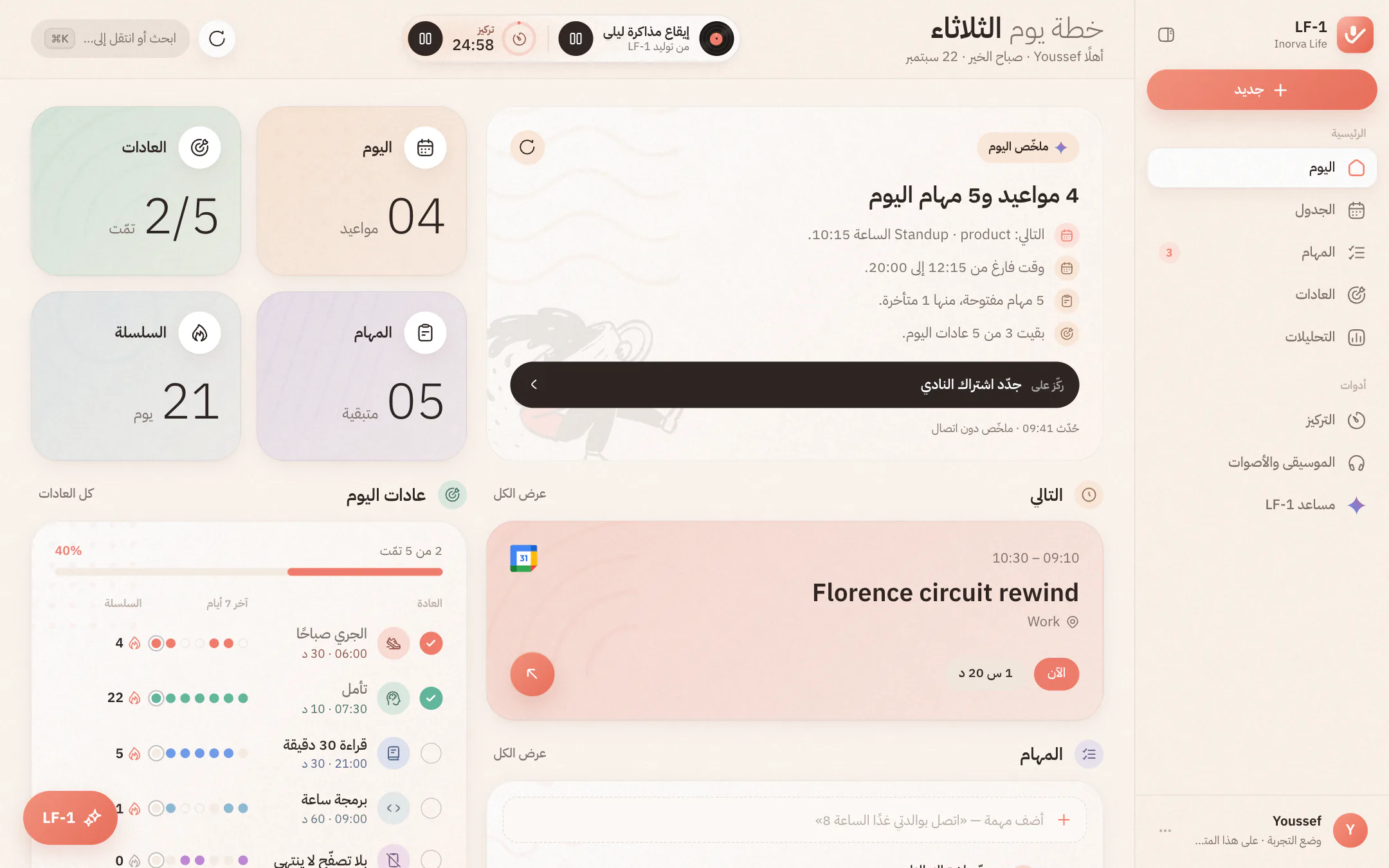
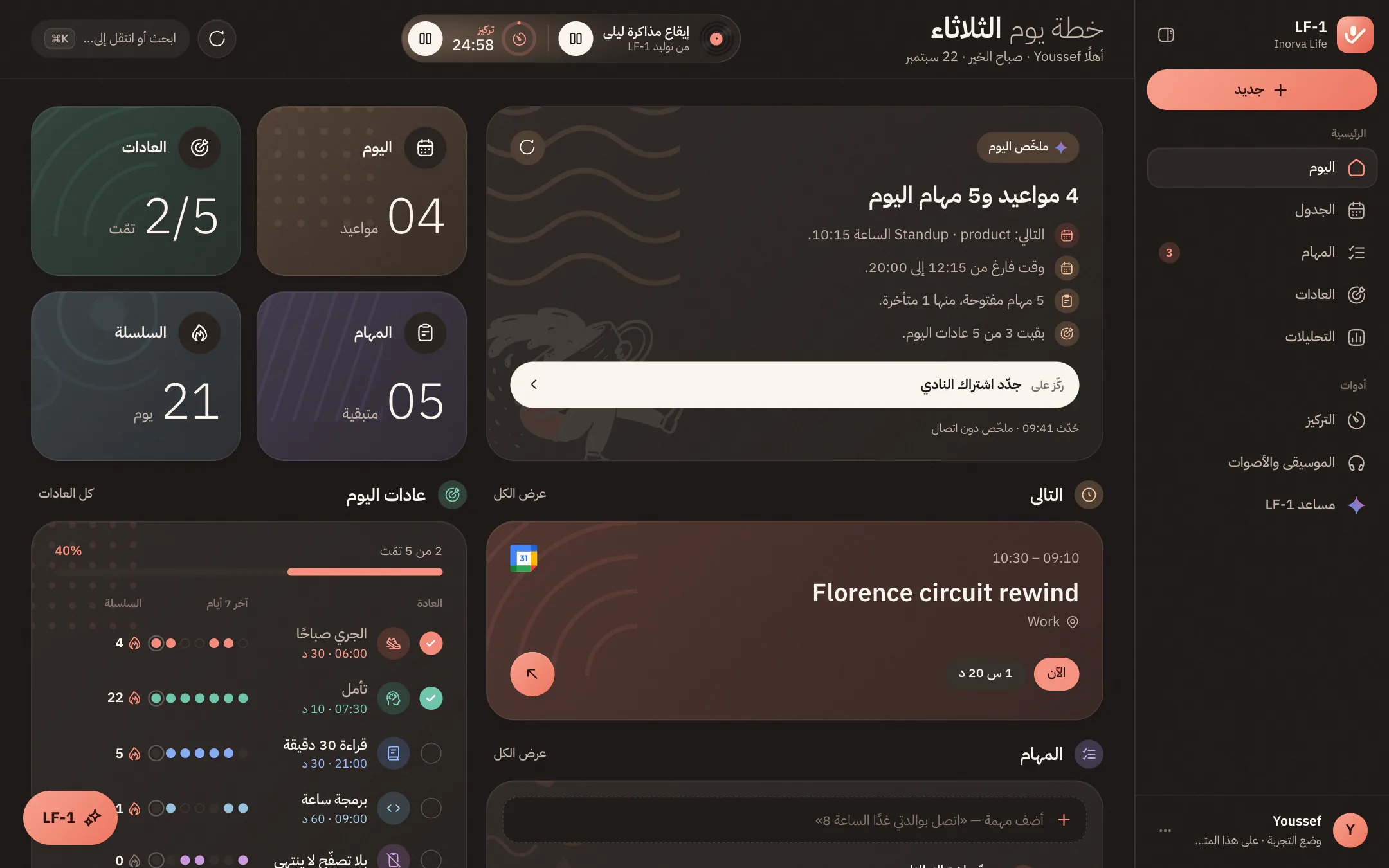
Paper by day, ink by night.
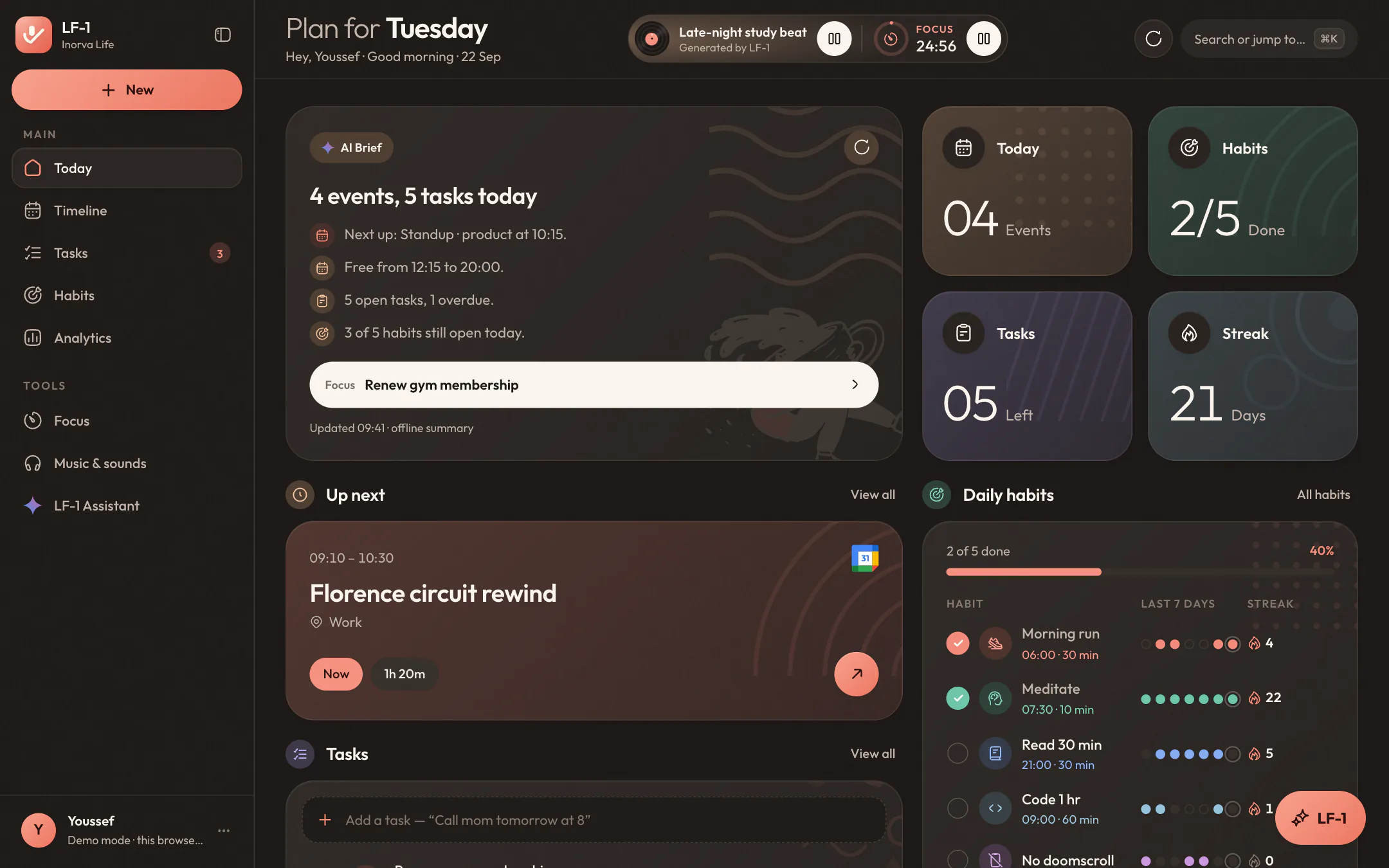
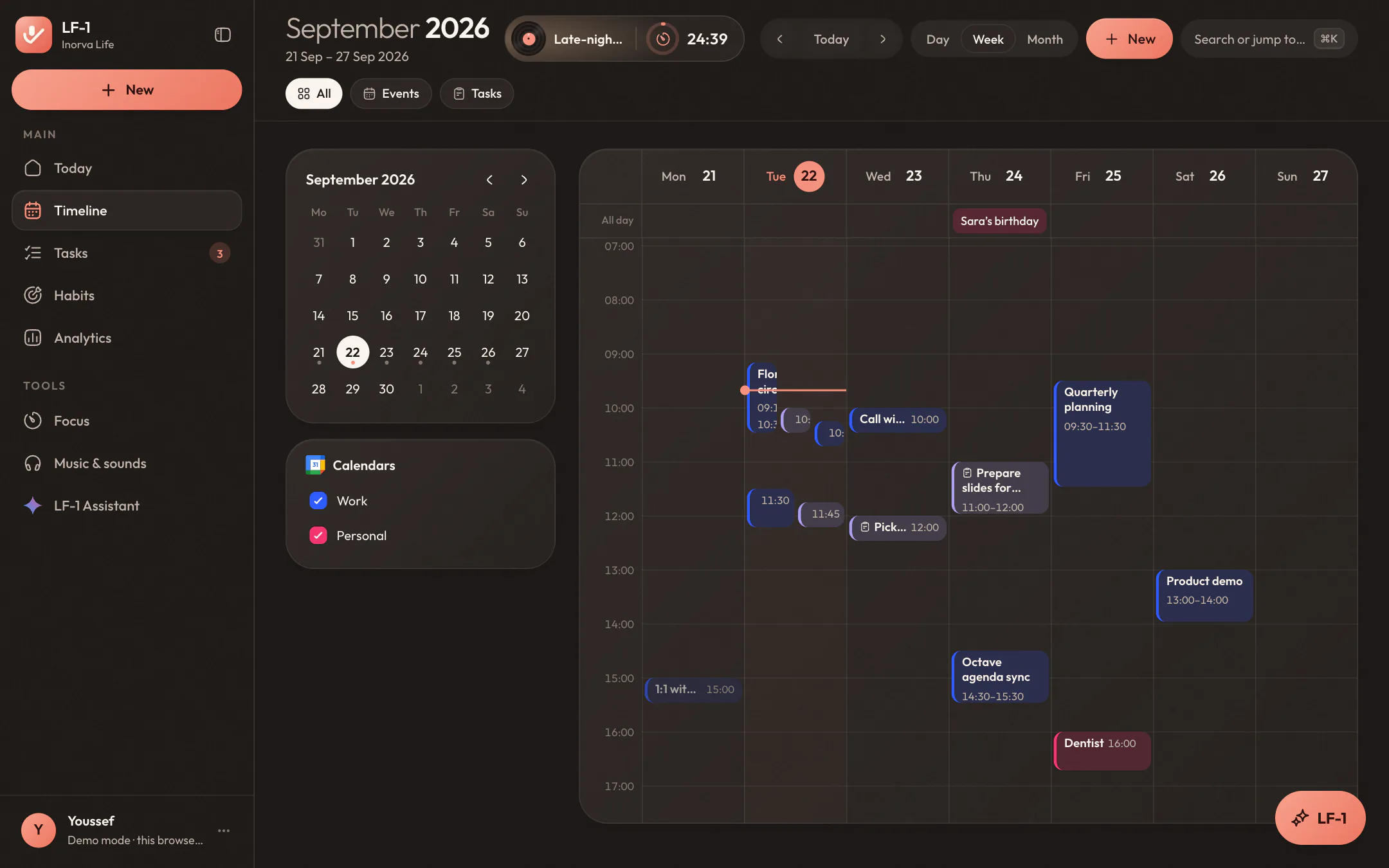
LF-1 follows your system's theme, or the one you pick. Both are warm, never stark: the same fine paper grain runs under every card, button and bar, frosted headers let the page show through as it scrolls, and in the dark the shadows soften so nothing looks smudged. Scroll and the lights go down.
Warm paper, soft pastels and gentle shadows, easy on the eyes on a bright afternoon.
Deep, warm browns instead of pure black, with the grain turned down to match.
One fine grain on every surface, drawn once and shared, so it never slows a page down.
Reduce motion or turn off the frosted glass in Settings, for older machines or quieter days.
Your phone and your laptop, on the same page.
The web app isn't a copy of LF-1, it's the same one. Sign in with the account from your phone and your tasks, habits, streaks and calendar are already waiting. Tick something off on one and watch it land on the other.
Sign in with a code sent to your email, or with Google. Nothing new to sign up for.
Changes sync on their own: when you come back to the tab, when the connection returns, and every little while. ⌘S if you can't wait.
Lose the connection and keep working. Your changes wait in the browser and go up when you're back.
Signing out clears this browser. Your data stays safe in your account.
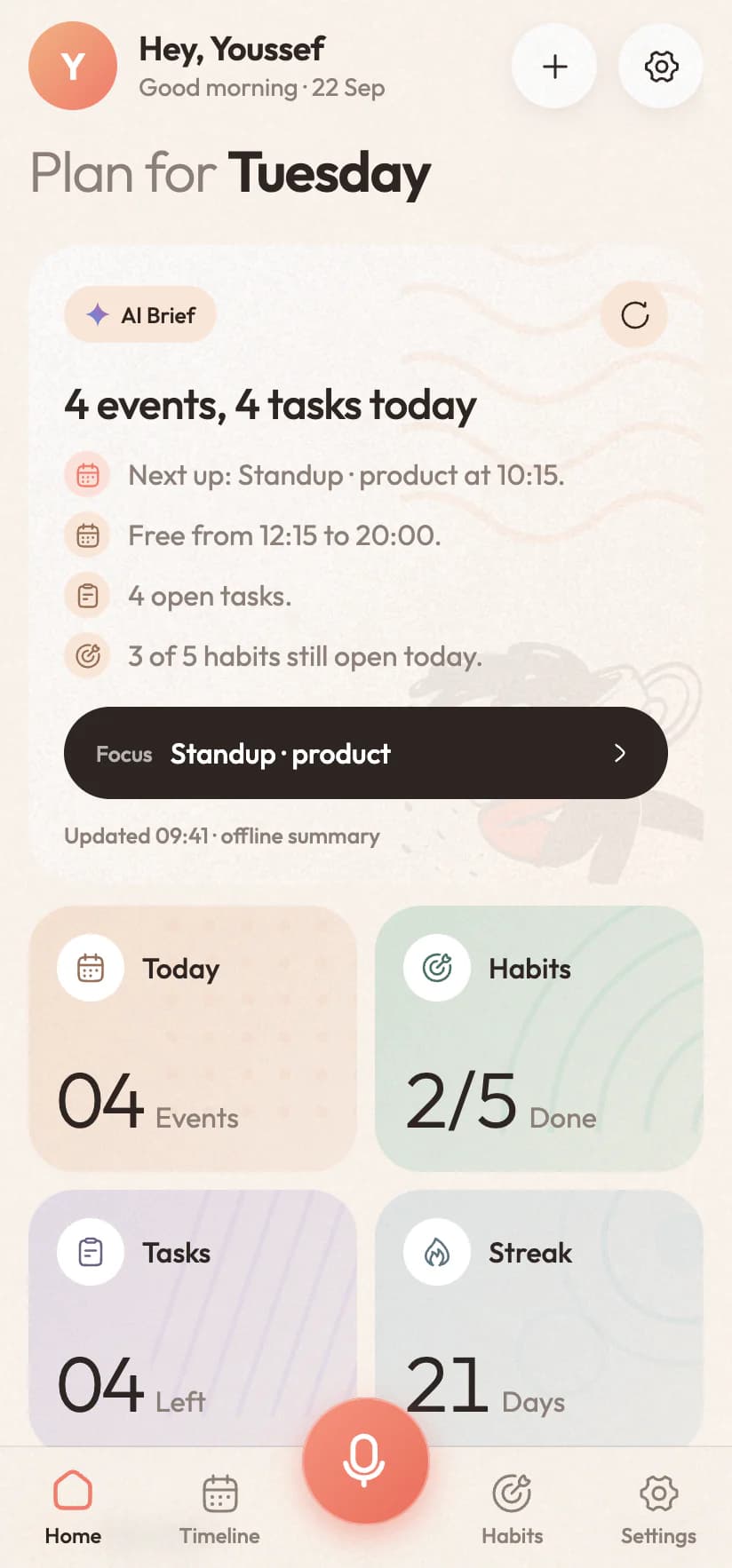
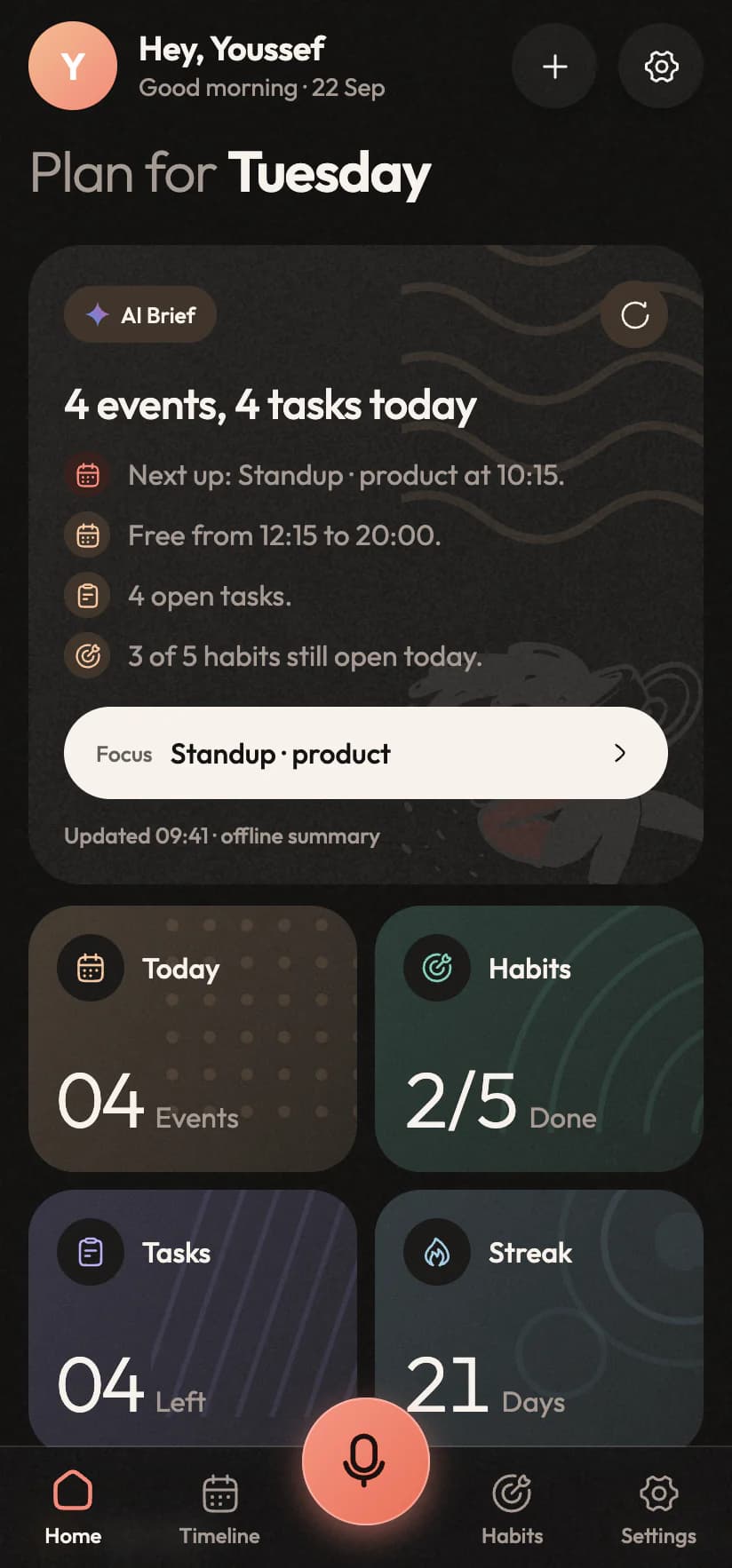
Your day stays your business.
LF-1 on the web is built to know what it needs to help you, and to leave as little behind as it can.
Nothing you plan, say or type is used to sell you anything.
When you connect Google Calendar or Spotify, the key to it is sealed in an encrypted cookie the page itself can't read, and stored nowhere else.
It listens only while you're talking to it, and a waveform shows the whole time it does.
Signing out clears this browser; your data waits in your account for your phone and your next visit.
Before you open a new tab.
Short answers about the web app. The trial, pricing and your data are covered on the main page.
Do I need a new account?
No. Sign in with the email you use in the phone app, with a code we send you, or with Google, and everything you already have is there: tasks, habits, streaks and all.
Which computers and browsers does it work on?
Any laptop or desktop with a recent Chrome, Edge, Safari or Firefox. It's built for big screens, so on a phone or a small tablet it points you to the app instead.
Can I talk to it, like on my phone?
Yes. Open the assistant with ⌘J, click the mic and speak in Arabic, English or both. Your browser asks for the microphone the first time. Typing works just as well.
Does it use my Google Calendar?
Once you connect it from the Timeline, yes. Your events show up there, and whatever you add, move or set to repeat goes straight into your real calendar.
What if my connection drops?
Keep going. What you change is saved in the browser and synced as soon as you're back online. The assistant and your calendar need the connection to answer.
Where do I find all the shortcuts?
Press ? anywhere in the app. The ones you'll use most: ⌘K to search, ⌘J for the assistant, C, E and H to create, and G then a letter to jump to a page. On Windows it's Ctrl instead of ⌘.
Keep LF-1 open next to everything else.
Sign in with your LF-1 account and pick up right where your phone left off. No account yet? Start with the app on your phone; the web signs in with the same one.